

There is a specific kind of frustration that sets in about thirty minutes into a serious image generation session. You have a concept, maybe a product shot you need to restyle or a sketch you want to refine. You generate a version, tweak the prompt, generate again. The lighting improves, but the composition drifts. You try a different platform, paste your prompt, and realize the new tool does not understand what you meant by “preserve the original proportions.” You are now juggling browser tabs, different credit systems, and a growing sense that the tools are working against your creative process rather than supporting it.
That friction is the hidden cost of the current AI image landscape. It is not about whether any single model can produce a stunning image. It is about whether the environment you are working in respects your time, your prompt history, and your creative intent across multiple generations. Image to Image enters this picture not as the flashiest generator on the market, but as a platform that appears designed around a specific question: what if you stopped switching tools and let the models come to you?
Why Image-to-Image Workflows Demand a Different Kind of Platform
Most AI image platforms are built around text-to-image generation. You type a prompt, the AI invents something from nothing. That approach works for exploration and brainstorming. But a significant portion of real creative work does not start with a blank canvas. It starts with an existing asset—a product photo, a brand visual, a character sketch, a layout draft—that is already close to what you need but not quite there.
Image-to-image workflows address this by treating the uploaded picture as a blueprint. The system reads the existing composition, identifies the subject and its key features, and applies the transformation described in the prompt. The original image becomes an anchor: the AI preserves the core structure and important details while applying the changes you specify.
This changes the relationship between the creator and the tool. Instead of hoping the AI understands what you mean, you are showing it exactly what you have and steering it toward a new outcome. The question is no longer whether the AI can generate something impressive. The question is whether it can generate something that respects what you already have while pushing it toward what you need.
The Hidden Cost of Switching Models Mid-Project
One of the more subtle challenges in image-to-image work is model selection. Different models excel at different tasks. Some prioritize photorealism. Others prioritize speed. Some are designed specifically to understand spatial relationships and preserve them faithfully. Yet most platforms force you into a single-engine workflow, leaving you to adapt your creative intent to whatever that engine happens to do well.
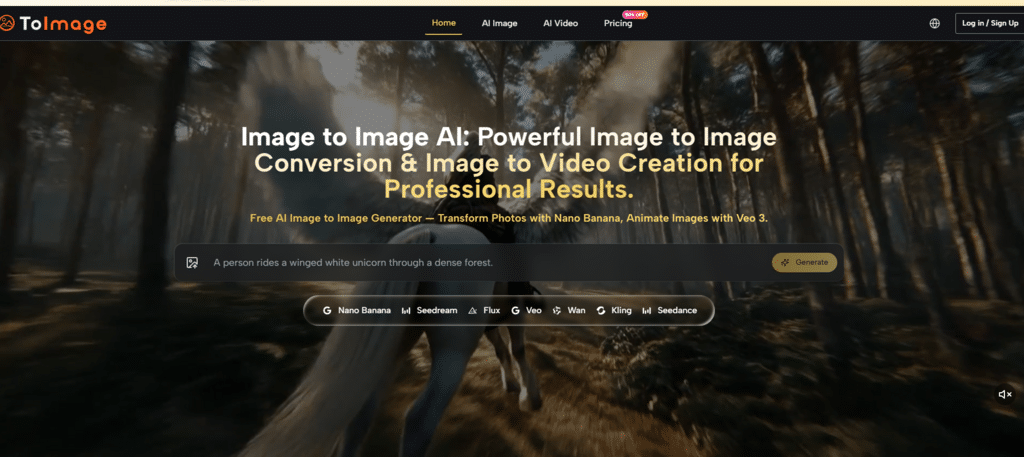
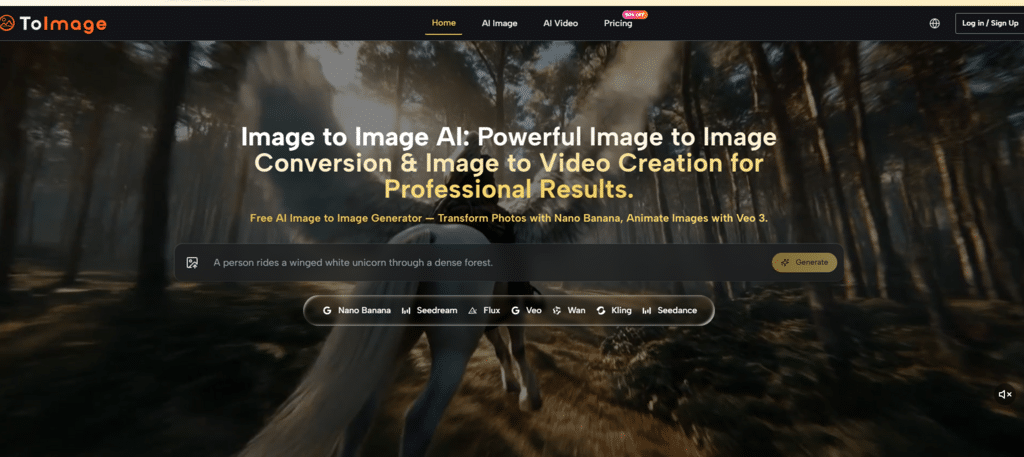
The platform addresses this by aggregating multiple models—Nano Banana, Seedream, Flux, Veo, Wan, Kling, and Seedance—inside a single prompt-and-generate loop. The interface does not change when you switch models. The prompt panel stays the same. The generation history stays accessible. The only thing that changes is the engine processing your request.
In testing, this structure addresses a surprisingly mundane but persistent problem: the cost of context switching. When your prompt, your reference images, and your generation history live in one place, you spend less time re-establishing your creative direction and more time iterating on it. The generation panel keeps the previous prompt visible and editable without forcing you into a separate history view. When you switch between models, the prompt stays intact. That continuity reduces the time spent re-typing and re-thinking from perhaps thirty seconds per iteration to five.
Three Tests That Reveal How Image-to-Image Actually Performs
The platform’s value becomes clear not through benchmark scores but through how it performs across different creative tasks. Running the same source image through different models reveals a pattern: the platform is not trying to be the best at everything, but it gives you access to the right tools for each job.
Product Visualization: When the Source Image Is All You Have
One of the most common image-to-image use cases is transforming a simple product photo into lifestyle imagery suitable for e-commerce or marketing. The task was straightforward: take a phone-shot product photo with flat lighting and a white background, and transform it into an image showing the product in a sunlit kitchen setting with natural shadows and contextual props.
Using Nano Banana, the result was instructive. The model analyzed the source photo and generated a new version that preserved the product’s shape, label text, and proportions while replacing the background and adding realistic environmental lighting. This is precisely the kind of task that often breaks weaker systems—they either ignore product details entirely or hallucinate objects that do not belong.
The limitation: The result was not a photorealistic studio shot every time. Some generations introduced subtle distortions on fine typography. After three rounds of prompt refinement, however, the output passed as usable marketing material. The model supported up to four reference images for style consistency and character continuity, which meant uploading additional shots of the same product from different angles strengthened the AI’s understanding of what to preserve.
Sketch Refinement: Preserving Spatial Structure
A more demanding test involved uploading rough sketches and asking for polished digital paintings while keeping the composition and proportions exactly as shown. Many AI tools treat a reference sketch as a loose suggestion rather than a blueprint. The results often abandon the composition, proportion, or emotional intent of the original.
In this test, the platform’s output was not always as painterly or dramatic as some competitors, but it preserved the spatial structure of the sketches with impressive consistency. The cliff stayed on the left, the house stayed small against the sky, and the spatial relationships remained intact. This structural fidelity—keeping the horizon line, the relative sizes, and the compositional decisions—is what separates a useful image-to-image tool from one that merely produces attractive but unrelated images.
Iterative Refinement: Continuity Across Generations
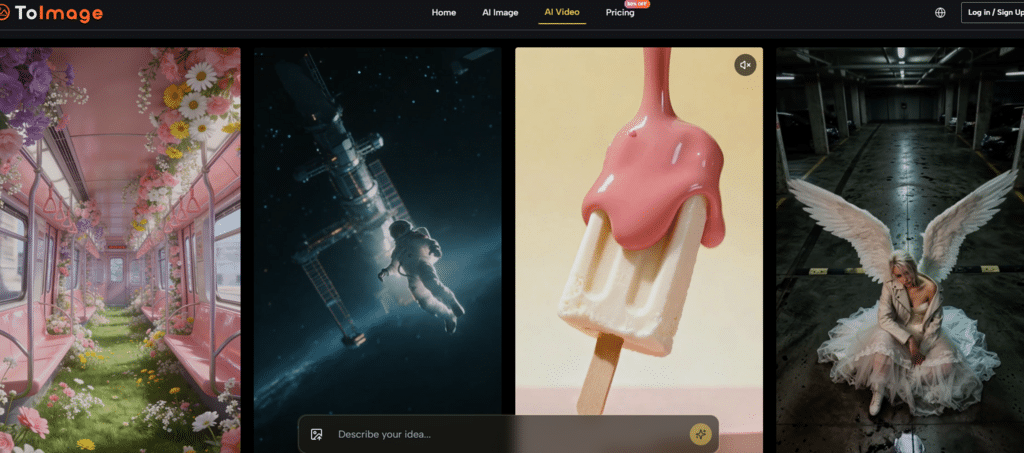
For content teams producing multiple variations of a single asset, the ability to iterate without losing context is critical. The platform’s generation panel kept the previous prompt visible and editable, and when switching between models, the prompt stayed intact. The image history remained accessible across sessions without local-storage dependencies, which addresses a specific pain point for anyone who has lost client-approved work after clearing a browser cache.
The platform kept generated images in a straightforward grid, sorted by date, with no social-network-style engagement metrics attached. It felt like a workspace, not a popularity contest.
What the Interface Actually Feels Like
One of the more telling details about the platform is what it does not have. There are no flashing upgrade prompts, no banner ads pushing premium templates, no credit countdown timers. In an ecosystem where many free-tier tools feel designed to interrupt your flow at every opportunity, this restraint is noticeable.
The interface loads cleanly, with a model selector at the top and a generation button that does exactly what you expect. Third-party evaluations have scored the platform highly on interface cleanliness and ad distraction, with one reviewer giving it a 9.5 out of 10 on ad distraction and a 9.0 on interface cleanliness. Those numbers reflect something that becomes apparent within the first few minutes of use: the environment is designed to stay out of your way.
Using the platform felt a bit like walking into a well-organized photography studio after spending time in flea-market editing booths. The calm design, especially when concepting late at night, is worth more than an extra fraction on a photorealism score.
A Practical Comparison: Image-to-Image Platforms
| Aspect | ToImage.ai | Single-Model Platforms |
| Starting Point | Upload an existing image as the foundation | Text prompt only, or limited image upload |
| Model Flexibility | Multiple models for different tasks | One engine, one set of strengths and weaknesses |
| Prompt Continuity | Prompt stays editable when switching models | Prompt often resets or requires re-entry |
| Generation History | Accessible across sessions, no local storage required | Often session-limited or requires manual saving |
| Interface Clutter | Minimal ads, clean workspace | Often ad-heavy or cluttered with upgrade prompts |
The Honest Limitations of Image-to-Image Workflows
No platform is without constraints, and the image-to-image workflow has specific challenges worth acknowledging.
Prompt Quality Still Matters: A source image does not remove the need for good prompting. It simply gives the prompt a stronger foundation. If the instruction is vague, the result may still drift. Users should expect to refine their prompts across multiple generations to achieve the best results.
Model Choice Requires Judgment: The platform provides multiple model paths, but it does not choose the best one for you. That decision requires some experimentation. First-time users may find the model selector confusing. You might need to generate the same prompt across Nano Banana, Flux, and Seedream to determine which produces the best result for your specific needs.
Results Vary by Task: Not every model excels at every task. AI Image to Image gives you access to multiple engines, but the output quality depends heavily on which model is used for which task. Some users may need several generations before landing on the best version.
Complex Edits May Need Multiple Attempts: Extremely complex scenes with multiple interacting elements or very specific anatomical poses may require several generations to get right. The ability to generate multiple options mitigates this, but it is not a one-click solution for perfection.
Who Benefits Most From Image-to-Image?
Based on testing and the platform’s design, the image-to-image workflow is best suited for:
Marketing and E-Commerce Teams who need to generate multiple visual variations of product shots without reshooting. Nano Banana preserves product details while changing backgrounds, lighting, and settings.
Designers and Art Directors who start with sketches or layouts and want to explore different styles, color palettes, or finishes while keeping the core composition intact.
Content Creators producing consistent character art, brand mascots, or series visuals. Multiple reference images strengthen the AI’s understanding of what to preserve across generations.
Freelancers and Agencies managing multiple client projects with different visual requirements. Having access to multiple models in one interface avoids the need for separate subscriptions to different tools.
The generative AI landscape is moving toward specialization. No single model does everything well. The platforms that acknowledge this—that give users the ability to match the engine to the task—are better positioned to support real creative work. Image-to-image workflows, by their nature, demand this kind of flexibility. When you start with an existing visual asset, the question is not whether the AI can generate something impressive. The question is whether it can generate something that respects what you already have while pushing it toward what you need. The answer, it turns out, depends on which model you choose and whether the platform lets you make that choice without breaking your flow.