

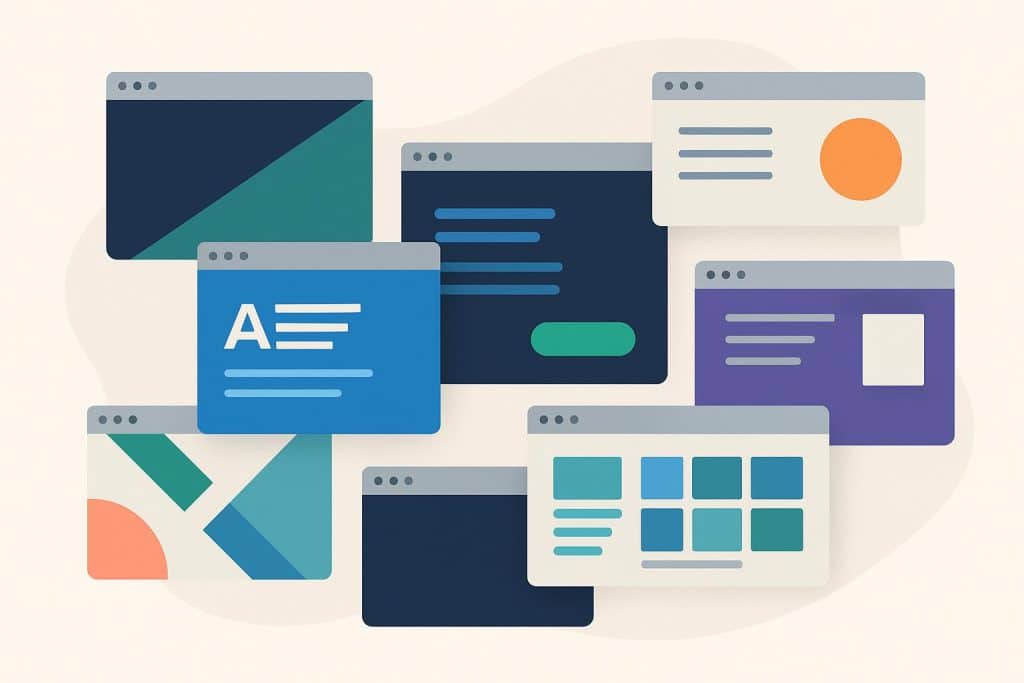
Modern website design focuses on creating user-friendly experiences through smooth navigation rather than visual decorations. The most successful websites today present a clean design with purposeful elements which users can navigate through effortlessly because they eliminate all obstacles.
Many websites continue to make the mistake of adding excessive content to their pages. Users experience immediate discomfort when websites present complex layouts together with heavy visual elements and unpredictable interactive components. The design process creates an experience that relaxes users while making page content accessible without requiring their active participation.
Your website will achieve a modern appearance and better user experience through proper implementation of these techniques.
The following seven techniques produce successful results in website design.
1. Fluid Layouts That Adapt Naturally
Flexible grids and responsive spacing enable websites to maintain perfect balance across all devices.
The layout system adapts naturally through flexible elements which create a smooth user experience.
What This Achieves:
- Better readability
- Less crowding
- A more modern overall feel
2. Minimal, Purposeful Color Palettes
Modern websites use their color scheme with restraint.
A combination of a soothing base color with one powerful accent color directs user attention without overwhelming the interface.
3. Typography That Leads the Experience
Modern website design uses plain readable type systems instead of decorative fonts.
The experience guides user attention through carefully managed font sizes and weights and spacing.
4. Micro-Interactions That Provide Feedback
The interface becomes more interactive when users receive feedback through small motions that include hover effects and button responses and subtle transitions.
The interface becomes more engaging through these small interactions which do not interrupt the content display.
Where to Use Them:
- Form fields
- CTA buttons
- Navigation elements
5. Generous Spacing to Reduce Cognitive Load
The design approach of contemporary websites includes abundant empty space.
The page becomes simpler to understand because elements have enough space to create natural boundaries.
6. Clear Visual Hierarchy That Feels Effortless
Modern interfaces guide users toward essential content without requiring them to search for it.
The interface uses size and contrast and spacing and position to create an effective visual hierarchy.
Want Inspiration?
You’ll see this repeatedly when exploring modern website design across different industries.
Real-world examples demonstrate how teams use hierarchy to direct user attention through their design approaches.
7. Mobile-First Decisions, Not Mobile Adjustments
A website appears modern when its designers create content for small screens first instead of adding mobile compatibility as an afterthought.
The content becomes more focused while gestures become simpler and layouts become simpler to navigate.
What This All Means
Modern website design bases its definition on creating clear interfaces that flow smoothly through intentional design choices rather than following current trends.
Your website will gain a modern appearance and users will find it more trustworthy when these design elements work together to create a better user experience.