

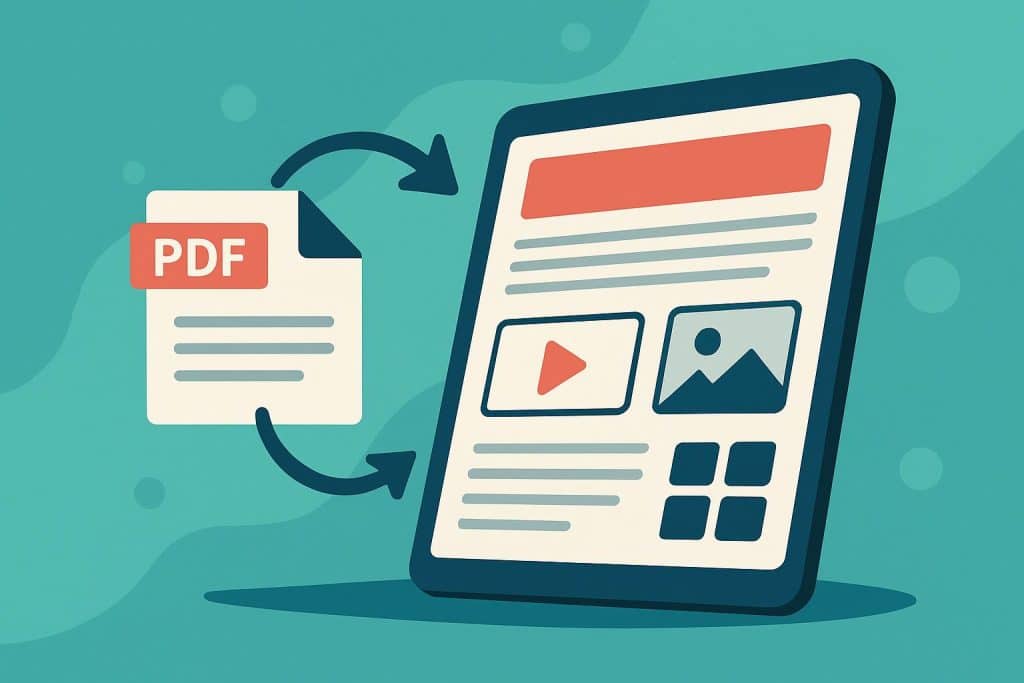
1. Linking a PDF has changed how documents are shared
Sharing a PDF once meant sending a file. You attached it to an email or uploaded it and hoped the recipient would open it. That method still exists, but it no longer matches how people read documents online.
Today, PDFs are usually opened through links. Readers click from websites, newsletters, or social media and expect the document to appear instantly in their browser. This is why many people search for how to link a PDF. The question is not only technical. It reflects a broader change in reading habits.
A linked PDF feels lighter than an attachment. It opens faster and does not require downloading or storing files. This is especially important on mobile devices, where even small barriers can cause readers to leave. Linking turns a document into something closer to web content, even before its format is improved.
2. Why plain PDFs often feel hard to use online
Even when a PDF is shared correctly, it still behaves like a file. Most PDFs were designed for print or large screens, not for quick reading on phones or tablets.
Text often requires zooming. Long pages feel tiring to scroll. Finding specific sections takes effort. These small problems add up and quietly push readers away. Many documents are closed early, not because the content is poor, but because the format makes reading harder than necessary.
This issue is even more visible with visual publications. Magazines, catalogs, brochures, and reports are meant to be explored. When shared as static PDFs, readers often skim briefly and move on. The structure exists, but the experience does not encourage browsing.
3. How flipbooks improve the experience of linked PDFs
Flipbooks change what happens after the click. Instead of opening a flat file, the reader sees a publication designed for online viewing. Pages flip instead of scrolling endlessly. Navigation is clearer. Zooming feels smooth and controlled.
The key point is that the original PDF does not change. The layout, design, and content remain exactly the same. The flipbook simply presents the document in a way that works better in a browser.
This makes a noticeable difference for layout-driven content. Readers can flip through pages, pause, return later, and explore naturally. The document feels like a publication, not a file that needs to be managed.
Sharing also becomes easier. A flipbook is shared as a single link, just like any other online content. The same link works on websites, in newsletters, and in messages. Tools like Publuu are built around this idea, helping publishers turn PDFs into interactive flipbooks without changing their existing workflow.
4. Why flipbooks fit modern digital publishing
Modern digital publishing is less about formats and more about access. Readers do not think about file types. They care about how quickly something opens and how easy it is to use.
Flipbooks fit naturally into this environment. They keep the reliability of PDFs while removing many of the frustrations of sharing static files online. Publishers gain better engagement without redesigning content. Readers get a smoother and more familiar experience.
Knowing how to link to a PDF is still important. Linking is the starting point. For many types of content, however, the real improvement comes from what that link opens. Flipbooks turn linked PDFs into content that feels more alive and better suited to how people read today.
It is a small change in approach, but the effect is clear. Documents receive more attention. Readers stay longer. And the effort put into creating the PDF finally delivers its full value.