

Every website you visit—whether it’s a news outlet, an online store, or a company blog—relies on one crucial piece of technology: a Content Management System (CMS). This software quietly powers the creation, storage, and presentation of content, giving both developers and non-technical users the tools to manage a website efficiently.
At first glance, a CMS might seem like a simple editing tool, but under the hood lies a structured ecosystem of databases, servers, and interfaces working in harmony. Understanding this architecture is key to knowing how digital content flows—from backend logic to the user’s screen.
The Foundation: What a CMS Is Built On
A CMS is, at its core, a bridge between content creators and the code that makes a website function. Instead of writing HTML or CSS manually, users interact with a friendly dashboard where they can edit text, upload images, and format pages.
The typical CMS architecture includes three key components:
- The Database: This is where content is stored—articles, images, metadata, and user information. Popular CMS platforms like WordPress or Drupal often use MySQL databases for their flexibility and scalability.
- The Backend (Application Layer): This layer manages the rules for how data is handled. It processes user requests, applies business logic, and communicates with the database.
- The Frontend (Presentation Layer): This is what the end user sees. The frontend pulls data from the backend and presents it through templates, themes, and design frameworks.
In short, the CMS acts as the control center where backend logic supports a seamless user experience.
The Content Workflow: From Creation to Publication
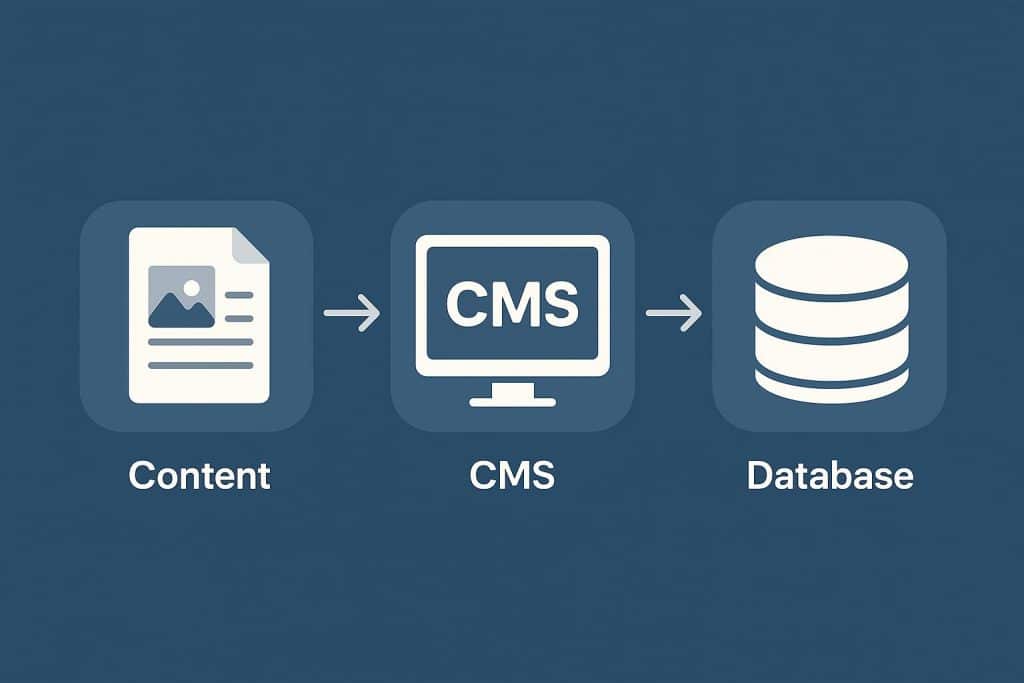
The strength of a CMS lies in its ability to simplify workflows. A typical content journey begins when an author logs into the admin panel to create or edit material. Once saved, the data is stored in the database and becomes retrievable based on specific parameters like post type or category.
When a user visits the website, the CMS dynamically fetches this content and formats it according to the chosen template. The process is nearly instantaneous, even though it involves multiple background operations—queries, server calls, and content rendering.
Modern CMS platforms also integrate version control and user roles, allowing teams to manage approvals, edits, and publishing schedules without interfering with one another’s work. This structured workflow ensures accuracy, consistency, and speed.
Beyond Templates: The Rise of Headless Architecture
While traditional CMS platforms tie the backend (content storage and management) to the frontend (website display), a new generation of systems has changed that model. This is where the concept of headless CMS meaning becomes relevant.
A headless CMS separates the backend from the frontend, delivering content through APIs instead of linking it to a specific presentation layer. This flexibility allows developers to use the same content across multiple platforms—websites, mobile apps, smart devices, and even digital kiosks—without duplication.
For example, a single blog post stored in a headless CMS can appear on your website, in your company app, and inside a newsletter—all pulled from the same source of truth. This decoupled approach makes headless CMSs more scalable and adaptable to modern digital ecosystems.
As Smashing Magazine explains in their guide to headless architecture, this design approach enhances performance, security, and omnichannel distribution—three key demands in today’s digital landscape.
The Role of APIs and Integrations
Application Programming Interfaces (APIs) are the arteries of a headless or hybrid CMS. They enable communication between the backend and external applications, making it possible to integrate analytics tools, CRMs, marketing automation systems, and e-commerce functionalities.
This modular design has transformed how businesses build their online presence. Instead of relying on a single monolithic CMS, organizations can connect different services to form a customized digital ecosystem. It’s like assembling building blocks—each one specialized, but working together to deliver a cohesive experience.
For instance, a CMS might pull product data from an e-commerce database, sync customer information from a CRM, and update content through a marketing automation tool—all via API connections.
Security and Performance: The Invisible Pillars
CMS architecture doesn’t just focus on usability—it’s also built for security and performance. The backend logic includes authentication protocols, data encryption, and access control systems that keep content safe from unauthorized users.
Caching mechanisms improve speed by storing versions of frequently accessed pages, reducing database queries and server load. Additionally, Content Delivery Networks (CDNs) distribute content across multiple global servers to ensure faster load times for users regardless of their location.
Many CMS platforms also allow for automated updates and vulnerability scanning, ensuring that the system remains secure as new threats emerge.
Customization and User Control
One of the greatest advantages of modern CMS architecture is its customization potential. Through plugins, modules, or custom code, users can tailor their systems to meet specific needs—whether that means adding SEO tools, analytics dashboards, or complex e-commerce functionalities.
This level of control empowers businesses to evolve their websites without rebuilding from scratch. Designers can adjust layouts and typography through themes, while developers can extend backend functionality with scripts and add-ons.
User permissions play a big role here too. CMS platforms often include role-based access management, where editors, administrators, and contributors have defined privileges. This structure not only enhances collaboration but also prevents errors and security breaches.
The Future of CMS Architecture
The landscape of CMS platforms continues to evolve toward flexibility and scalability. Traditional systems still have a strong foothold, but the adoption of headless and hybrid models is accelerating. These modern architectures are better equipped for the growing demand for personalized, omnichannel experiences.
Artificial intelligence is also beginning to play a role—suggesting content improvements, automating tagging, and predicting user engagement trends. Combined with cloud-based infrastructures, this ensures that CMS platforms remain agile and future-proof.
Conclusion: From Backend Logic to User Empowerment
Behind every smooth digital experience lies a robust CMS architecture, balancing complexity with usability. From structured databases to flexible APIs, every component serves a purpose—ensuring that content is stored efficiently, delivered quickly, and displayed beautifully.
Understanding the inner mechanics of CMS platforms helps businesses make informed decisions when choosing or upgrading their systems. Whether you’re managing a small blog or a multi-channel enterprise platform, recognizing how backend logic connects to user control gives you the power to shape content with confidence and precision.