

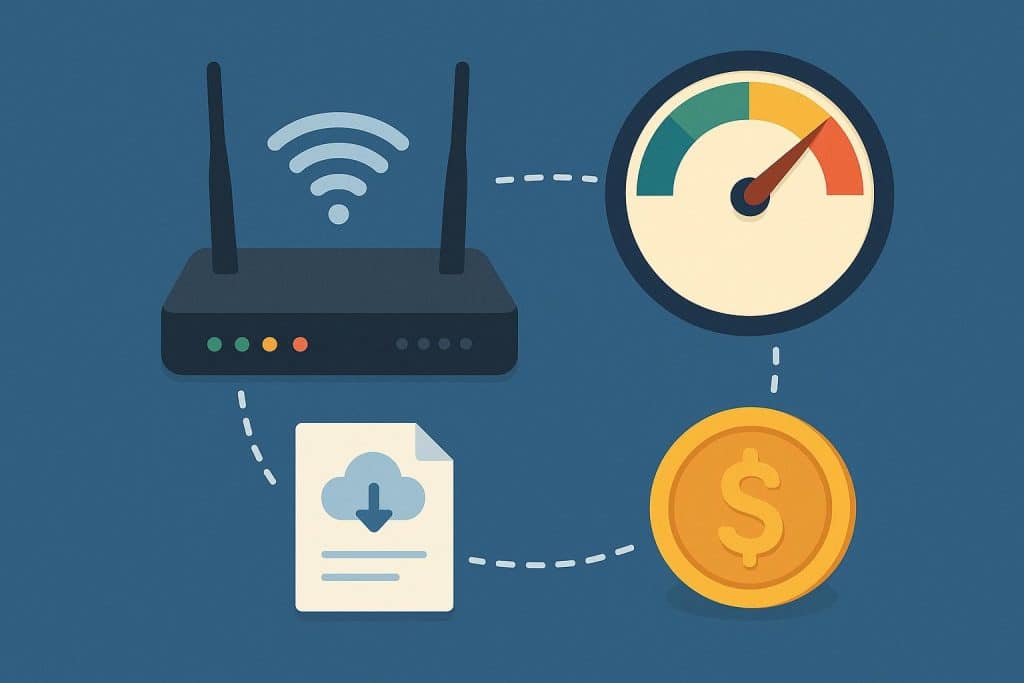
Finding the perfect Wi-Fi plan can feel like navigating a maze of technical terms and confusing packages. Whether you’re setting up internet for the first time or switching providers, understanding what you actually need versus what companies are trying to sell you makes all the difference. A plan that works brilliantly for your neighbour might leave you frustrated with buffering videos or overpaying for speeds you’ll never use.
This guide breaks down the three pillars of choosing a Broadband Plan : speed requirements, data considerations, and budget management. We’ll explore how to assess your household’s actual needs, decode speed tiers, understand data policies, and find the sweet spot between performance and price.
Assessing Your Household’s Needs
Start by counting every device that connects to your internet. Smartphones, laptops, smart TVs, gaming consoles, tablets, and smart home gadgets all share your bandwidth. Next, consider your usage patterns. A household with two people casually browsing needs far less speed than a family streaming 4K content while someone else attends video calls. Here are some approximate Wi-Fi speed guidelines based on typical household usage and the number of connected users:
- 30-50 Mbps: Suitable for basic activities like browsing and standard definition streaming for one or two light users.
- 50-100 Mbps: Ideal for two to three people streaming HD content, along with everyday browsing and video calls.
- 150-300 Mbps: Recommended for families using multiple 4K streams, online gaming, and several smart home devices at the same time.
- 500+ Mbps: Best for heavy multi-device households or those looking to future-proof for newer technologies and higher bandwidth demands.
Remember that advertised speeds represent ideal conditions. Real-world performance depends on your router quality, device capabilities, and network congestion during peak hours. Higher speeds provide a buffer, reducing frustrating slowdowns when everyone’s online simultaneously.
Upload Speed Matters Too
Most Wi-Fi plans advertise download speeds prominently, but upload speeds significantly impact modern internet use. Video calls, cloud backups, photo sharing, and remote work all rely on upload performance. Fibre-optic connections typically offer symmetrical speeds, that is, equal upload and download rates, making them ideal for work-from-home setups or content creators.
If you regularly participate in video conferences, share large files, or upload content to social media, prioritise plans with robust upload speeds. This often means choosing fibre over older technologies like DSL or cable, which typically offer much slower upload rates.
Unlimited vs Capped Data
Data limits can turn a good Wi-Fi plan into a frustrating experience. Most modern plans offer unlimited data at full speed, eliminating worries about exceeding monthly allowances. This proves essential for streaming households, as HD and 4K content consumes significant data. A single 4K movie can use 7-8 GB per hour, while HD streaming burns through approximately 1-2 GB per hour.
Some providers implement Fair Usage Policies (FUP), which technically offer unlimited data but may reduce speeds after reaching certain thresholds. Always check these details before signing up. For streaming, gaming, or households with multiple users, true unlimited plans without FUP restrictions provide peace of mind and consistent performance.
Hidden Data Drains
Smart home devices, automatic cloud backups, and software updates consume data in the background. Security cameras uploading footage, smart speakers streaming music, and devices downloading updates can quietly eat through limited data allowances. Factor in these hidden consumers when evaluating your data needs, especially if considering a capped plan.
Matching Plans to Your Budget
The monthly price for Wi-Fi rarely tells the complete story. Installation fees, router rental charges, and price increases after promotional periods can significantly impact your actual costs. Some providers include equipment for free, while others charge monthly rental fees that add up over time. Buying your own router might cost more initially, but it saves money long-term while often providing better performance.
Contract terms matter too. Longer commitments sometimes offer better rates but limit flexibility. Month-to-month plans cost more but let you switch providers easily. Consider whether the cost of saving some money monthly justifies a two-year lock-in, especially if you might relocate or your needs could change.
Finding Value Beyond Speed
Premium Wi-Fi plans often bundle entertainment subscriptions, adding value beyond raw internet access. OTT platforms, music streaming services, and gaming subscriptions included with higher-tier plans can offset their increased cost. Determine whether you’d subscribe to these services, and if so, bundled plans might offer surprising savings.
Security features, priority customer support, and advanced router capabilities also add value. Plans including antivirus software, parental controls, or mesh networking support might justify slightly higher prices for families or remote workers needing reliable, secure connections.
Fibre vs Other Options
Here’s a quick comparison of common internet connection types and what to expect from each:
- Fibre optic: Delivers the fastest and most reliable connections with low latency, making it ideal for gaming, video calls, and heavy internet use.
- Cable internet connection: Offers good speeds but may slow down during neighbourhood peak usage times.
- DSL: Works over phone lines, providing slower speeds but often at a lower cost.
- Wireless (5G or satellite): Serves areas without wired infrastructure, but typically comes with higher costs and more variable performance.
For Broadband plans in Bangalore and other major cities, fibre availability continues expanding. Urban areas enjoy multiple provider options, while suburban and rural locations might have limited choices. Always verify actual availability at your specific address, as coverage varies even within the same neighbourhood.
Making Your Final Decision
Choosing the right Wi-Fi plan means honestly evaluating your household’s current and near-future needs. Start with a speed test on your current connection to establish a baseline. Count your devices, consider your heaviest usage scenarios, and factor in any upcoming changes like remote work or new streaming services.
For reliable fibre connectivity, consider exploring Airtel’s Wi-Fi plans, which offer data and bundled entertainment options. The perfect Wi-Fi plan balances speed, data, and price while leaving room for your digital life to grow. Take time to compare options, read the fine print, and choose a plan that serves your household’s unique needs without breaking your budget.
Disclaimer: The information regarding speeds, data usage, pricing, and plan features mentioned in this article is subject to change. Please verify the current details with your service provider.