

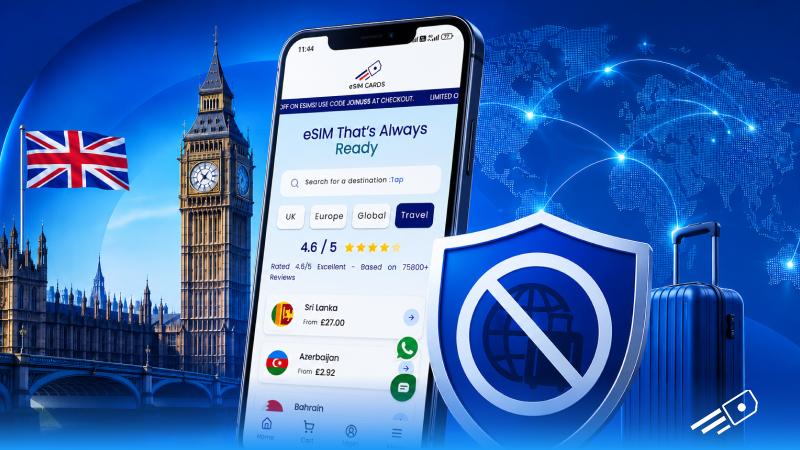
Travelling to the UK shouldn’t mean racking up a massive phone bill. Yet all too often, visitors find themselves stuck with expensive roaming fees or scrambling for flaky Wi-Fi. The good news is there’s a smarter way: e SIM UK plans. In this post, we’ll explain why roaming and free Wi-Fi can fail you, what exactly an eSIM is, and how using an EE eSIM saves money.
How Roaming Charges Affect Your Travel?
When you use your home mobile plan in Britain, your network treats it like international roaming. Since Brexit, most UK carriers have slapped on hefty fees again – often a couple of pounds or more per day for limited data, or a few pounds per gigabyte. Many people end up with bill shock after a few days abroad, especially if they forget to disable roaming or go over their allowance.
On the other hand, trying to live on free Wi-Fi isn’t great either. Public networks in cafes, stations or airports often cut you off after a short time or ask for registration. And there’s the security risk: unencrypted Wi-Fi hotspots can expose your data to snoops.
Meet the e SIM UK: Your Virtual Travel SIM
Enter the eSIM – a built-in, digital SIM card that lives inside your phone. Instead of swapping a plastic SIM, you download a profile straight onto the device. For travellers, EE eSIM is a game-changer. You can buy a UK eSIM plan online before you leave home and install it by scanning a QR code or entering a code in your settings. When you touch down, your phone automatically uses the local eSIM for data. You won’t be roaming on your home SIM at all – the local UK plan handles everything.
Why an EE eSIM is Ideal for Your UK Trip
If you are a travel EE, eSIM brings great perks for you that make connectivity a lot more affordable for you:
- Connect to Britain’s Top Network: EE is widely recognised as the UK’s leading mobile network for coverage and speed. Independent tests have repeatedly named EE the fastest and most reliable network nationwide.
- Blazing Fast Data (5G Ready): An EE eSIM lets you tap into that speed, which is great for streaming, video calls or hot spotting on the go. Even if you don’t have a 5G phone, EE’s 4G coverage is top-tier.
- Zero Roaming Fees. Using an EE eSIM means you’re on a local UK plan, so you pay local rates instead of roaming charges. All calls, texts and data are billed as if you’re a UK user.
Setting Up Your EE eSIM in the UK – Quick Steps
With eSIM Cards, one of the top EE eSIM providers in the UK, getting an eSIM has become easier than ever:
- Buy an EE eSIM Plan: Purchase a UK eSIM from a provider like eSIM Cards. You’ll get a plan suited to your trip (data amount or unlimited), and often a UK number included. Payment is online and usually instant.
- Get QR Code: Once you complete the payment, eSIM Cards will send you an installation QR code on your registered eSIM.
- Install the eSIM: Now you simply have to scan the QR code to add eSIM in your device. Once it connects with network coverage you will be online.
Access the Roaming Free Network with eSIM Cards
Instead of worrying about roaming, eSIM Cards have you sorted. They offer UK eSIM plans – including official EE eSIM packages – that activate instantly. Browse their site to pick the perfect eSIM UK plan for your trip. With eSIM Cards, you’ll get easy prepaid plans, prompt email delivery of your eSIM QR code, and friendly support if you need help. Say farewell to expensive roaming and dodgy public Wi-Fi: land in Britain, scan your eSIM code, and start using data right away. Stay online, stay safe, and stay under budget on your UK travels by choosing a local eSIM.