

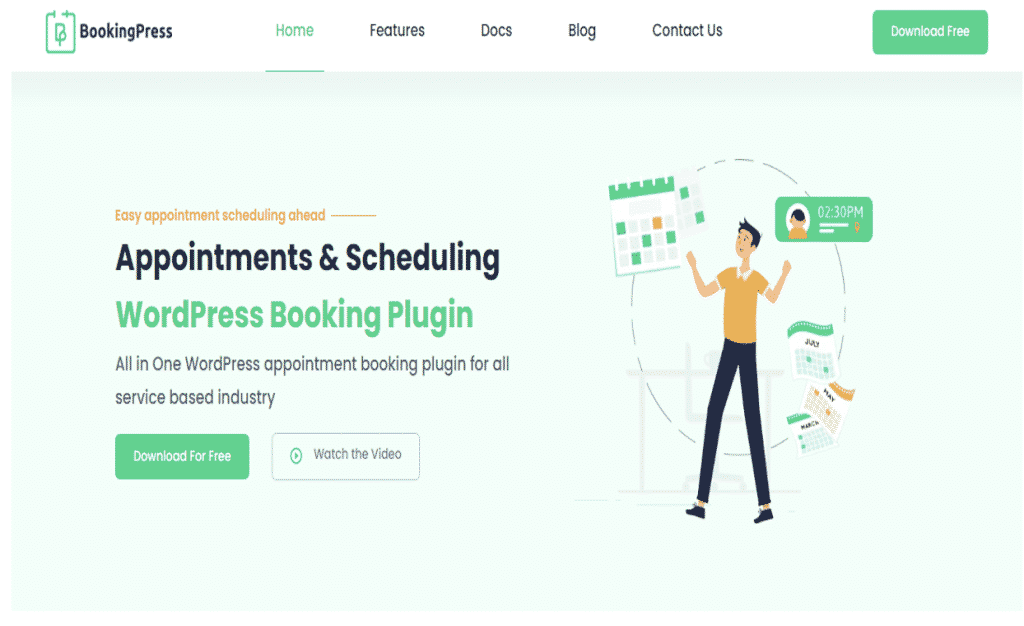
Getting Started
In this fast-growing world, an appointment booking system is the need of the hour. Most of the businesses in today’s digital-savvy world have their own website. Out of these websites that have a CMS, WordPress holds a 64.7% of market share. You need a WordPress plugin that can easily convert your website into an appointment booking website.
There are about 59470 plugins present in the WordPress repository of various categories. Amongst that also you may get a lot of options for appointment bookings, which one to choose? The Solution for this is BookingPress. It is an all-in-one appointment booking plugin solely designed for WordPress. Installing this plugin on your website can enable customers to book appointments at a time of their convenience. Let’s first understand what this plugin is all about.
What is BookingPress?
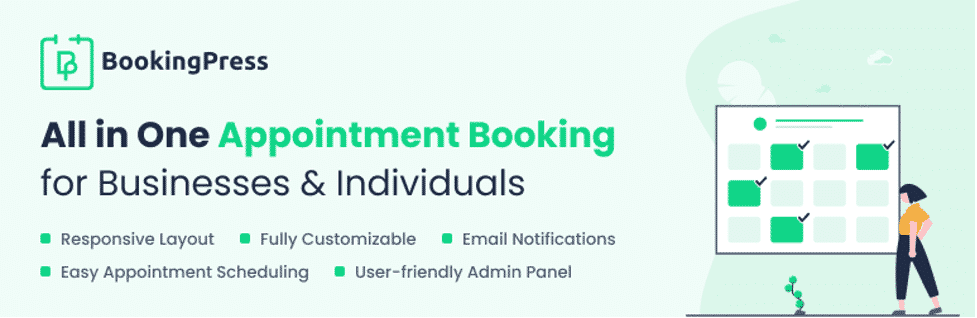
BookingPress is a complete appointment booking and scheduling plugin that enables you in setting up a personalized booking system according to your needs on your WordPress website seamlessly. It is being developed solely for an appointment booking purpose only and also it is completely free to use. By using this plugin on your website, it will simplify the online booking process and give you full control to manage your appointments.
BookingPress appointment booking plugin is best fitted for a variety of businesses mentioned as below:
- Sports and Fitness
- Beauty and Salon
- Educational
- Medical and Health
- Repair Centers
- Personal Services
How to set up the BookingPress Plugin on your website?
It is quite an easy process to add the BookingPress Plugin to your website. Follow these simple steps mentioned below to do it:
- Go to your WordPress admin page, open BookingPress. First of all install the BookingPress plugin, configure the categories, along with services, and then add payment methods.
- Then customize your front-end design and looks. Add a shortcode to the page.
- Finally, you can start accepting appointments from your website using BookingPress.
Key Features of BookingPress Plugin
Some of the features can be mentioned as below:
- 24/7 Appointment Scheduling
- Unlimited Services and Bookings
- Any Appointment duration
- Booking with Calendar View
- Customized Email Notifications
- Online and Offline Payment Processing Options
- Customizable Booking Form
- Google Calendar Synchronization Support
BookingPress Plugin provides an extremely simple interface so that you require no coding or design abilities while using it. So, simply go to the WordPress website and download the plugin for FREE to start accepting bookings.
Let’s Conclude
BookingPress is an excellent appointment booking plugin that can facilitate setting up a booking system for your business. Without much coding knowledge, just by using some basic tips and techniques you easily integrate this plugin with your current WordPress website.