

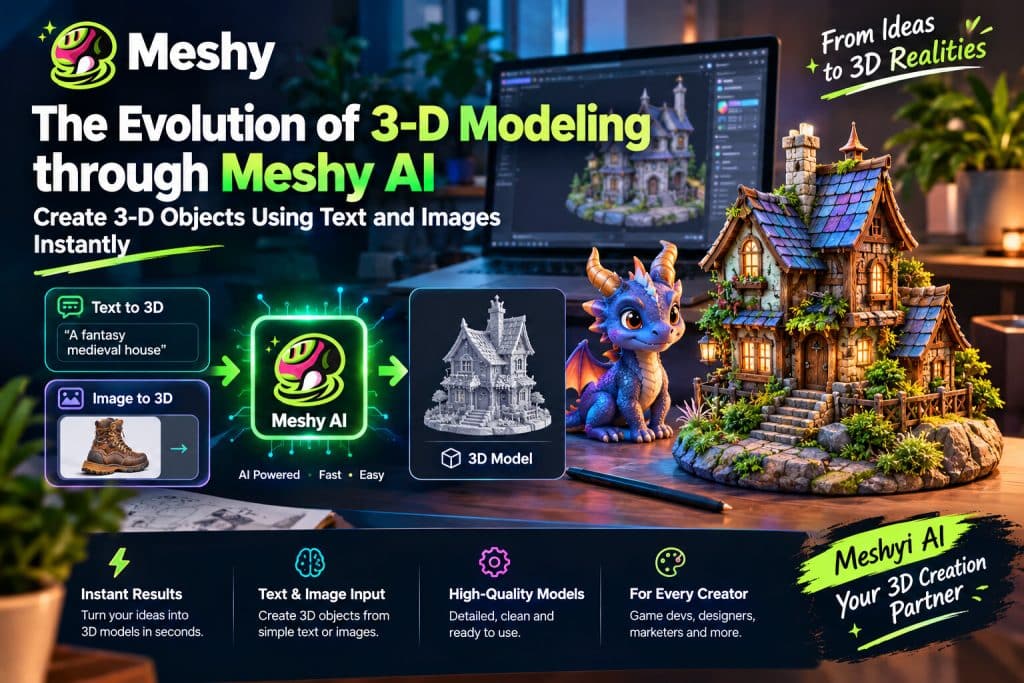
Anyone who has built a 3D model knows the traditional sequence: sketching, modeling or sculpting, UV unwrapping, texturing, and troubleshooting. Even a simple object can take hours, which makes experimentation expensive for individuals and small teams.
AI-assisted tools are changing that starting point. Meshy AI, for example, can generate a 3D model from a text description or reference image in minutes, after which the result can be reviewed and refined.
What Is Meshy AI?
Meshy is an AI-powered 3D generation platform. It accepts inputs such as text prompts or reference images and produces textured 3D models that can be exported for further work.
This makes 3D prototyping more accessible to people who do not have years of modeling experience, including game developers, marketers, educators, and product designers.
Text to 3D: Describe It, Get It
Text-to-3D is one of Meshy’s core features. Enter a prompt such as “a weathered wooden treasure chest with brass fittings,” and the platform generates a model based on that description.
This is useful for rapid ideation. Instead of searching asset stores or commissioning every early concept, a creator can compare several variations in the time it might take to model one manually. Prompts that specify material, style, and condition generally produce clearer direction.
Image-to-3D: Turn Reference Art into a Starting Model
If you already have a reference image, upload a clear sketch, concept illustration, or product photo and use it to guide the generated 3D model.
Concept artists can turn 2D designs into 3D starting points without rebuilding every version manually. Online retailers can explore 3D product previews, while prototyping teams can evaluate a form before committing to full production.
AI Texturing and Finishing Touches
A model’s geometry is only part of the result. Textures determine whether the surface feels flat or convincing. Meshy includes AI texturing, allowing users to generate or restyle surface materials from text or image references.
Meshy supports common 3D export formats, including FBX, OBJ, GLB, USDZ, STL, BLEND, 3MF, and DXF. It also offers integrations for tools such as Blender, Unity, and Unreal Engine, although every exported asset should be tested in the target workflow.
Who Benefits Most?
Independent game developers can create early props, environment objects, and character concepts without assigning a specialist to every draft.
3D-printing hobbyists can move from an idea to an initial model more quickly, then repair and prepare the geometry for printing.
Marketers and designers can create product visuals, AR experiments, and promotional concepts without outsourcing every early mock-up.
Educators and students can create models for lessons and projects without first mastering a complex modeling package.
Professional artists can also benefit by generating a base mesh and polishing it in familiar software, reducing some repetitive early-stage work.
Realistic Expectations
It is important to be honest about the limits. AI-generated models can be impressive, but they are not always production-ready. Complex mechanisms, precise proportions, and animation-friendly topology may still require manual cleanup. Treat the technology as an accelerator, not a replacement for skilled 3D artists.
- A few practices can improve results:
- Write focused, specific prompts rather than vague ones.
- Use clear, well-lit reference images with a single subject.
- Generate several variations and choose the strongest.
- Plan to retopologize, repair, or refine models for professional use.
The Bigger Picture
The importance of this shift is not only speed; it is the lower barrier to entry. When more people can turn an idea into a 3D draft, they can prototype and test concepts that previously required a larger team.
People still make the creative decisions. AI handles parts of the generation process; artists and designers decide what the final result should communicate and how it should be refined.
Final Thoughts
3D modeling remains powerful but demanding. Tools such as Meshy show how the workflow may evolve: faster drafts, lower barriers, and more room for iteration. If the learning curve has kept you from experimenting with 3D, a text-to-3D or image-to-3D generator can provide a practical starting point.