

What does a small business actually need from a logo maker?
You need a logo that looks professional and that you can use everywhere your customers see your business. For a local laundry, that could mean storefront signage, laundry bags, receipts, social media, business cards, flyers, uniforms, and a website.
That makes the logo maker you choose about more than the first design it generates. You also need to consider how easy it is to customize the logo, what files you can download, and whether the platform can help you create the rest of your business materials.
To see how four popular platforms compare, we tested AI logo maker tools such as Design.com, Canva, Adobe Express, and Looka using the same fictional small business: Sparkling Clean Laundry.
Design.com vs Canva vs Adobe Express vs Looka: Quick Comparison
All four platforms can help a small business create a logo without hiring a designer, but they take different approaches.
Refer to the table below for a quick comparison:
| Feature | Design.com | Canva | Adobe Express | Looka |
| Primary focus | Logo and business branding | General visual design | General creative content | Logo and brand identity |
| Logo creation | AI-powered logo generator | AI logo generator and templates | Logo creation and templates | AI-powered logo maker |
| Customization | Manual editor + AI-assisted editing | Drag-and-drop editor | Drag-and-drop editor | Logo editor |
| Logo library | 500,000+ designs | Thousands of logo templates | Logo templates within the wider template library | AI-generated concepts |
| Branding tools | 50+ design tools | Brand Kit and visual content tools | Brand Kits and creative tools | 300+ branded assets |
| Professional files | PNG, JPG, SVG, EPS, PDF | Depends on the plan and export | Depends on design and plan | PNG, EPS, SVG, PDF with Premium package |
| Free option | Yes | Yes | Yes | Yes, for creating and saving |
| Paid pricing | Starts at $3/month annually | Pro from $180/year in the U.S. | Premium from $9.99/month | Logo-only or annual Brand Kit plans |
| Best suited for | Small businesses building a logo and brand | Businesses are creating lots of visual content | Businesses wanting a broad creative workspace | Businesses building a logo and brand identity |
The differences become more useful when you look at what happens after the first logo appears. For a small business, the ability to turn that logo into practical marketing materials can be just as important as the logo itself.
The Test: Sparkling Clean Laundry
For a fair comparison, we used the same business across all four platforms.
Business name: Sparkling Clean Laundry
Prompt: Create a clean, friendly logo for Sparkling Clean Laundry, a local laundry business offering wash, dry, and folding services. Use a fresh, trustworthy style; simple, laundry-inspired imagery such as folded clothes, bubbles, or a washing machine; clean typography; and a bright color palette that works well on storefront signage, laundry bags, uniforms, flyers, and social media.
We used the same basic business direction across each platform and looked at how well each tool handled four things:
- Creating the initial logo
- Customizing the design
- Preparing the logo for real small-business uses
- Building other branded materials around it
Design.com
Design.com puts logo creation at the center of its platform, making it particularly relevant to a small business that needs a logo and then wants to build other branded materials around it.
Its logo maker uses your business name and keywords to create logo concepts, while its library contains more than 500,000 logo designs. The platform also offers more than 50 additional design tools for businesses.
For our test, we entered Sparkling Clean Laundry and used the same laundry business brief.
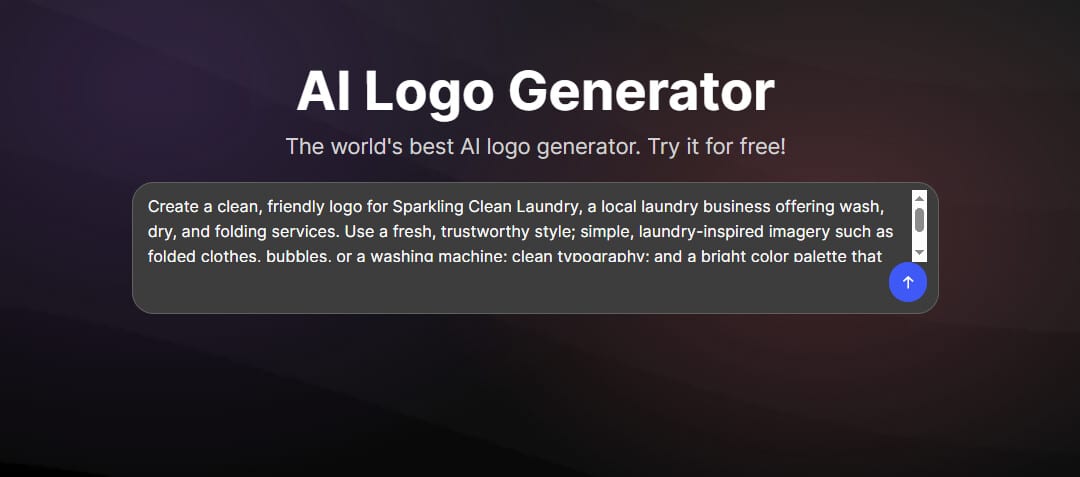
Design.com AI Logo Generator Prompt
After entering the business name and brief, Design.com generated a range of logo concepts to explore.
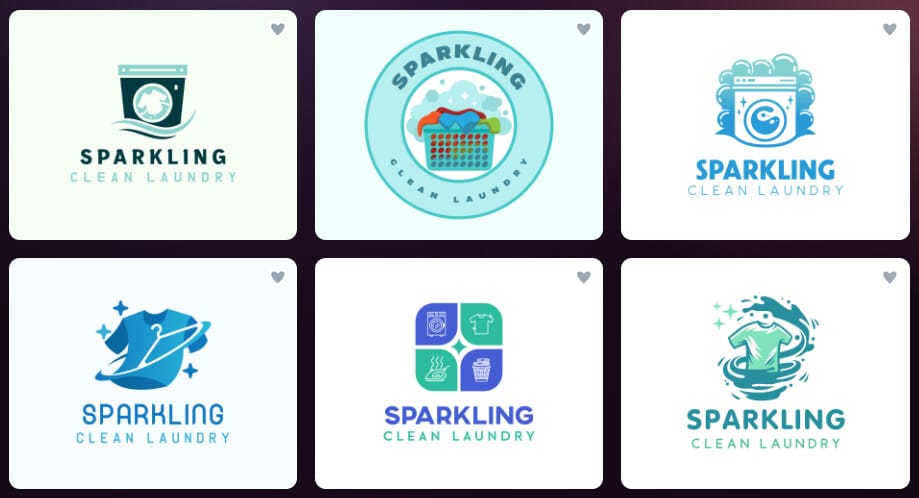
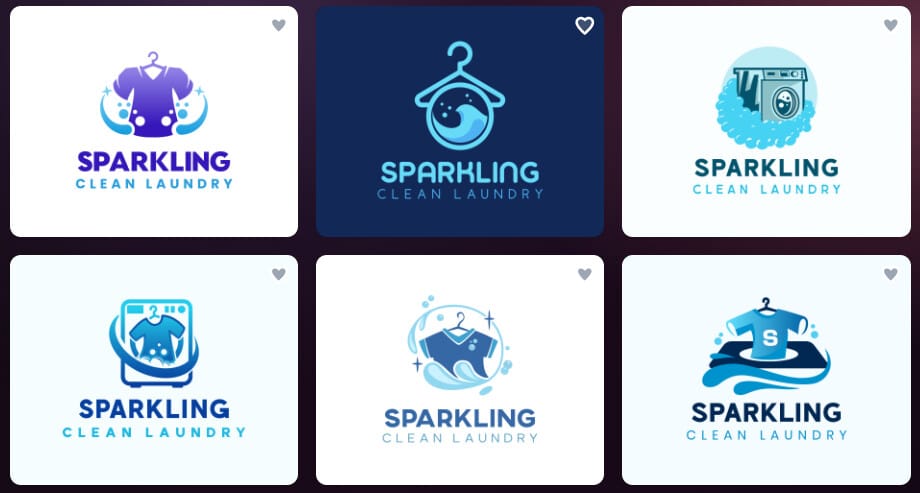
Design.com logo concepts generated for Sparkling Clean Laundry.
We then selected a direction and moved into the customization experience. Design.com provides standard controls for changing fonts, colors, icons, and layouts, along with AI-assisted editing for users who prefer to describe the change they want.
Key Features
AI logo generation
Design.com lets you start with your business name, relevant keywords, or a short description. The AI logo generator then creates concepts based on the information you provide.
For a small business owner who knows what the company does but doesn’t yet have a clear visual direction, this provides a practical starting point. You can explore different concepts before settling on a style.
AI-powered logo editing
Once you find a logo you like, you can change its fonts, colors, icons, and layout using the editor.
Design.com also offers an AI chat editor that lets you describe changes in plain language. Instead of searching through individual controls, you can ask for changes to the icon, text, or overall design direction.
See what you can customize using Design.com’s editor below:
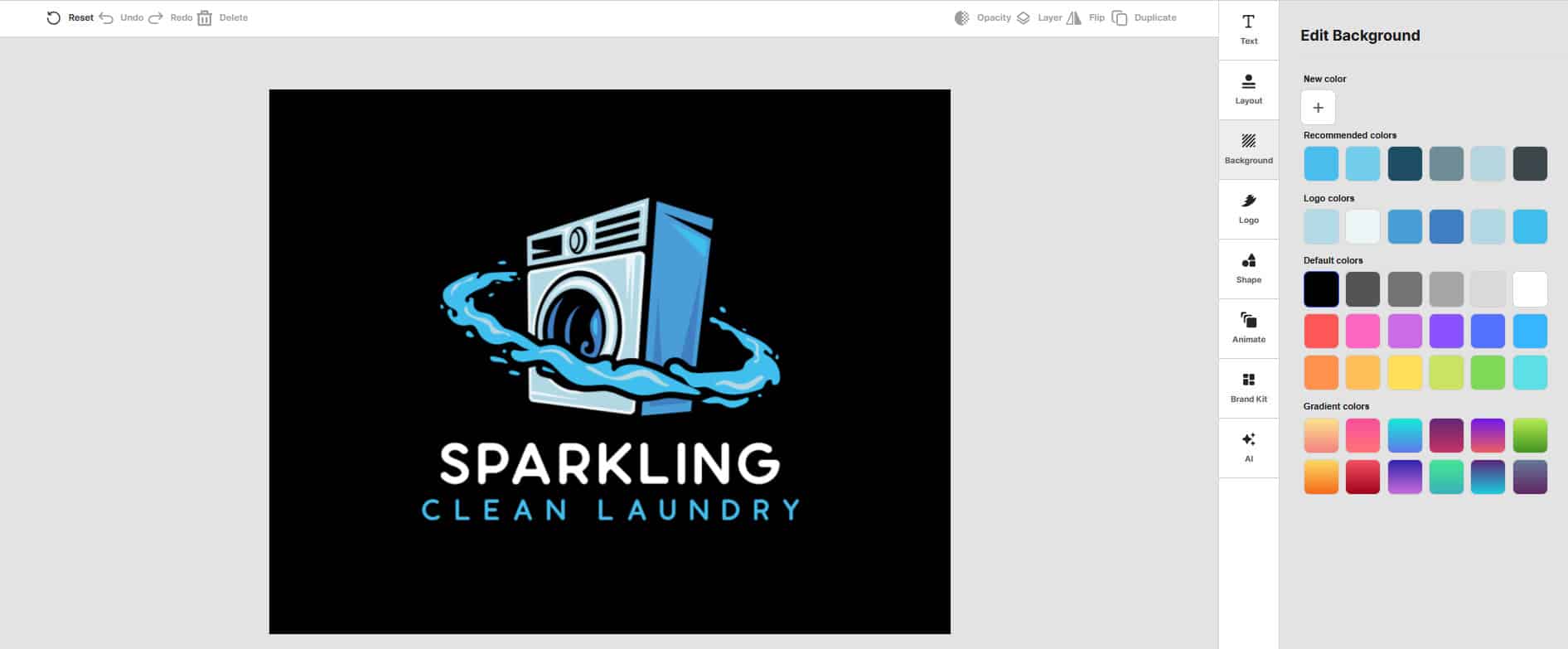
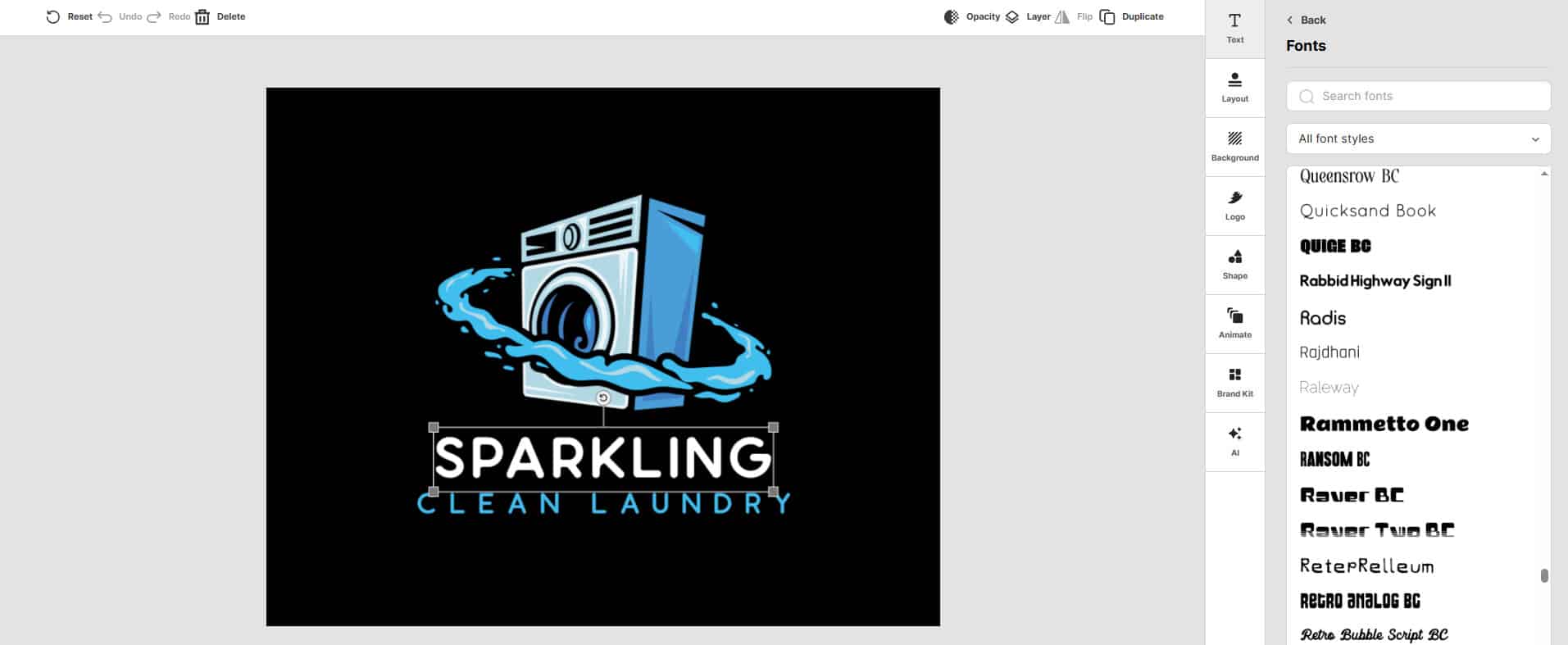
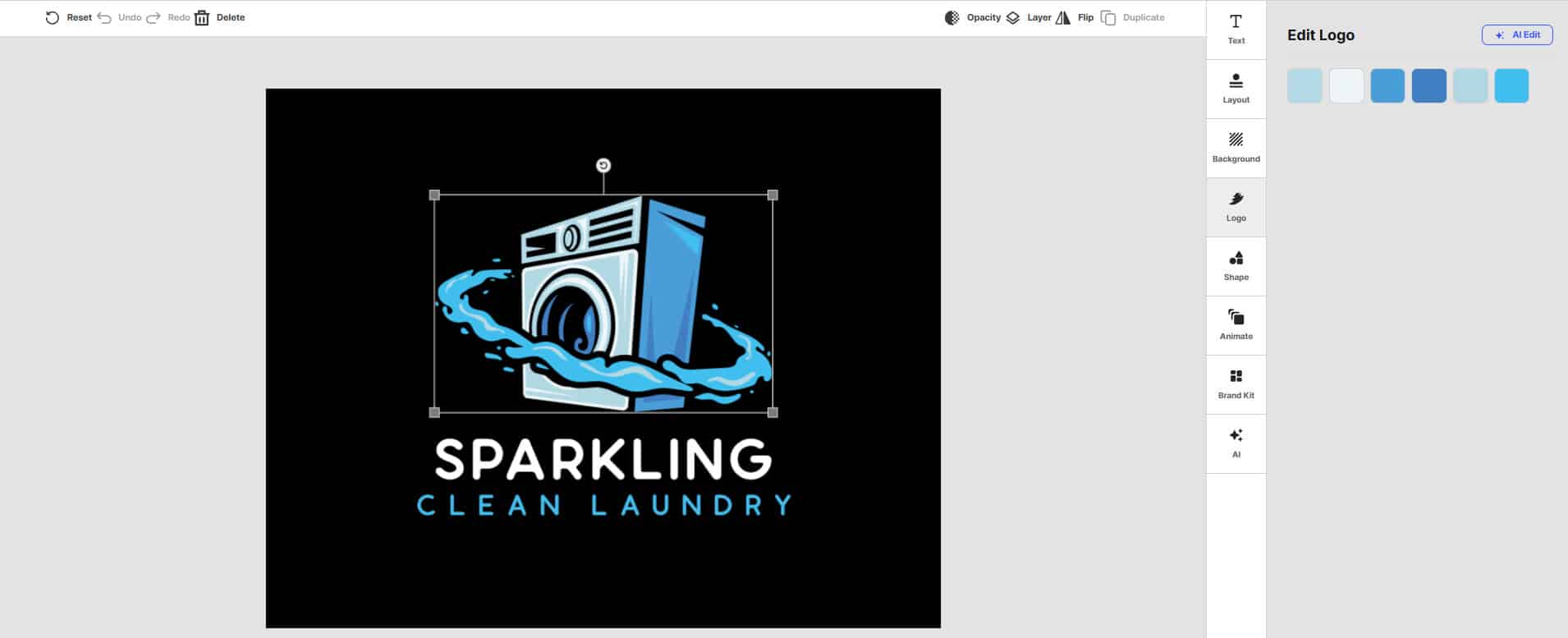
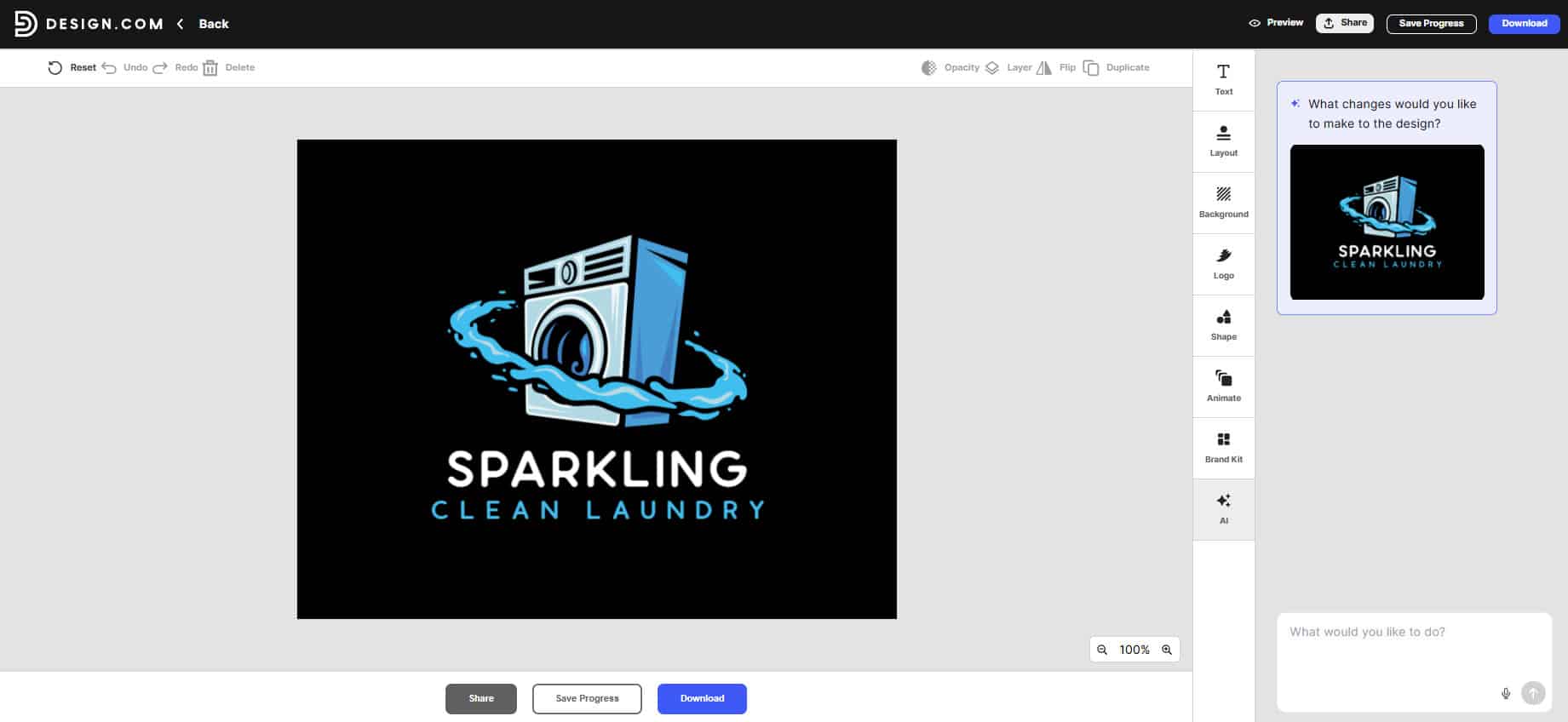
Design.com’s logo customization interface for Sparkling Clean Laundry.
500,000+ logo designs
Design.com’s logo library contains 500,000+ designs, giving small businesses a large selection of visual directions to explore.
This can be useful when the AI-generated results aren’t quite right, and you want to browse other concepts aligned with your industry or preferred style.
Professional logo files
Design.com provides PNG and JPG files along with vector formats such as SVG, EPS, and PDF through its logo packages.
For a laundry business, these files can serve different purposes. A transparent PNG could work for social media, while a vector file can be useful for signage, uniforms, laundry bags, or other printed materials.
Real-world mockups
You can also preview the logo in different applications rather than judging it only on the editor screen.
This matters for a small business because the logo needs to work at different sizes. A design that looks good on a desktop screen may need adjustments before it goes on a storefront sign or a small social profile image.
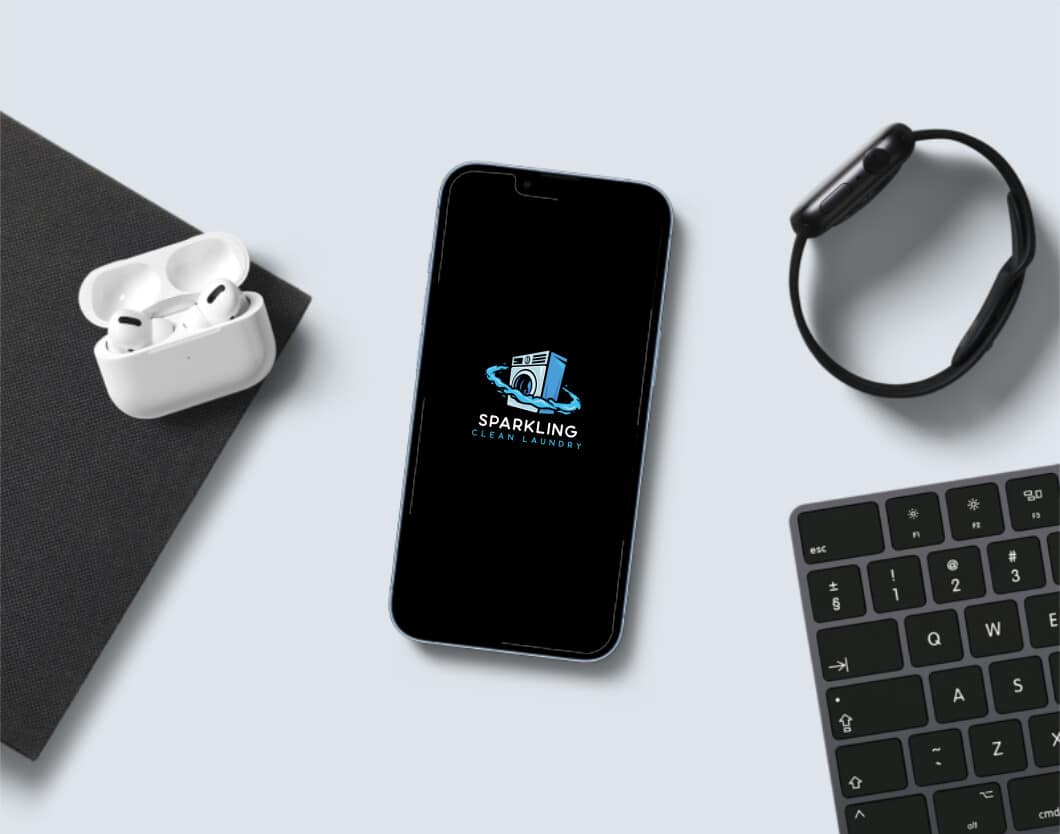
Mobile Phone
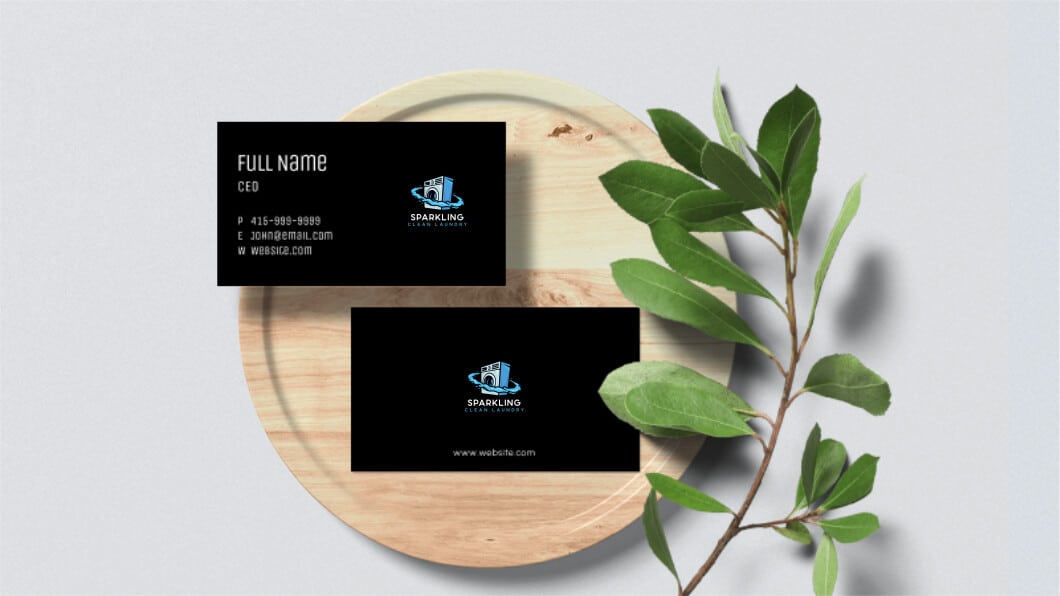
Business Cards
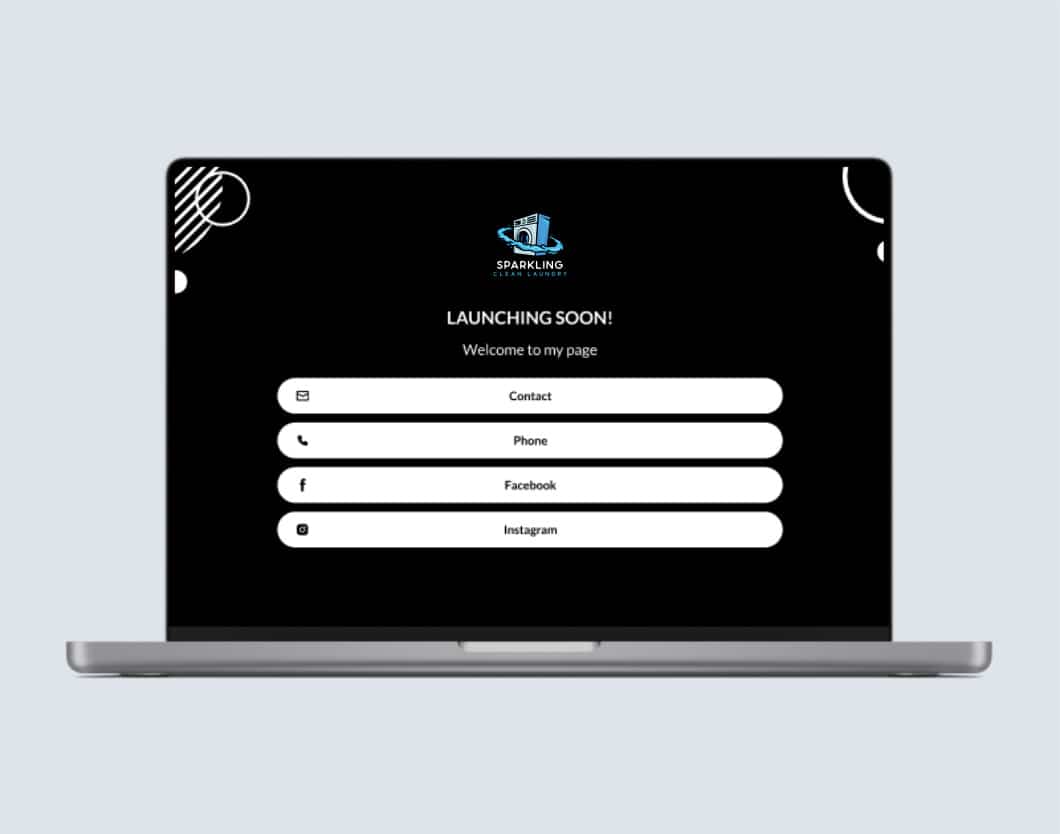
Website
Broader business design tools
The logo can become the starting point for other business materials. Design.com offers more than 50 additional design tools for websites, business cards, social content, presentations, flyers, and other designs.
That gives a new business a way to continue building its visual identity after the logo is finished.
Pros
- 500,000+ logo designs
- AI logo generation
- AI-assisted logo editing
- SVG, EPS, PDF, PNG, and JPG support
- Logo mockups
- 50+ additional design tools
- Free logo option
- Can extend the logo into other business materials
Cons
- No native app yet; browser only
Pricing
Design.com currently offers:
- Free: $0
- Starter: $3/month billed annually or $9/month billed monthly
- Value: $4/month billed annually or $14/month billed monthly
- Premium: $5/month billed annually or $19/month billed monthly
The paid plans add features such as additional design tools, logo packs, business cards, social posts, email signatures, and letterheads. Higher plans also add website and digital business card features.
Canva
Canva takes a broader approach to logo design. Its logo maker sits within a much larger visual design platform that covers social media graphics, presentations, websites, videos, flyers, business cards, and other content.
For a small business like Sparkling Clean Laundry, that broader approach can be useful, as creating the logo is only one part of getting the business ready for market.
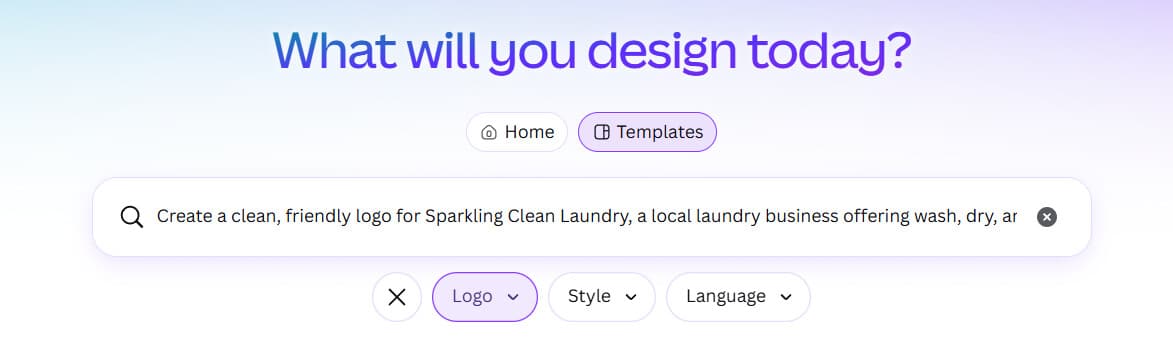
We entered Sparkling Clean Laundry and used the same laundry business brief.
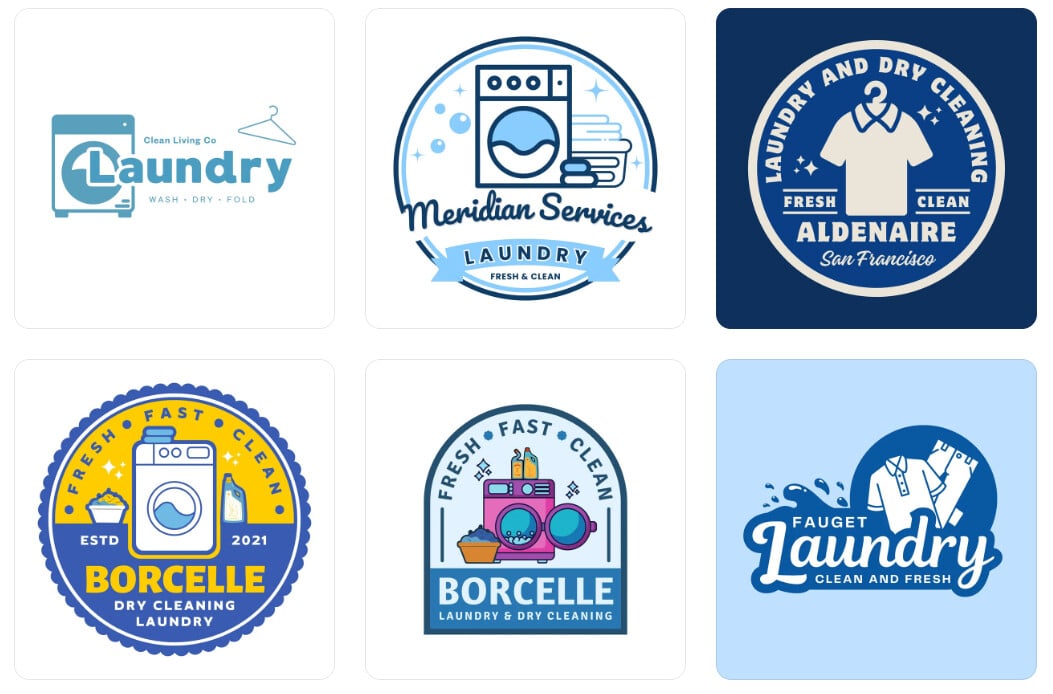
Canva logo concepts created for Sparkling Clean Laundry.
After choosing a direction, we opened the design in Canva’s editor to see how much control we had over the result.
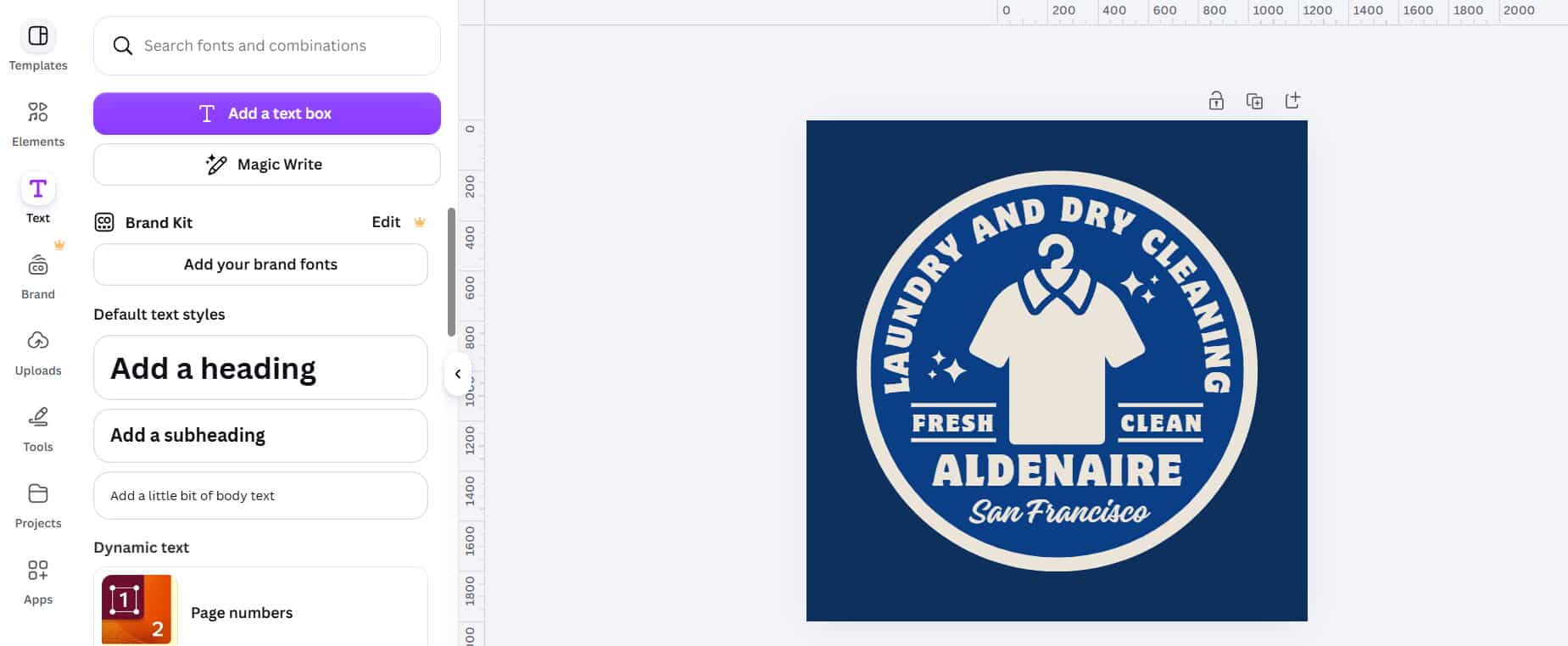
Canva’s editor for customizing the Sparkling Clean Laundry logo.
Key Features
AI logo generation
Canva’s AI Logo Generator lets you describe the logo you want and generate a design from your prompt. Canva also offers thousands of professionally designed logo templates for businesses that prefer to start with an existing layout.
This gives small business owners two ways to approach logo design. You can start with an idea and use AI, or browse templates until you find a visual direction you want to customize.
Drag-and-drop editing
Once you have a starting point, Canva’s drag-and-drop editor lets you change fonts, colors, graphics, shapes, and positioning.
The interface is designed for users without advanced design experience, making it practical for a business owner who wants to handle the logo design themselves.
Large template and asset library
Canva’s logo maker gives users access to thousands of logo templates, while the broader platform contains a much larger collection of templates, graphics, photos, and other assets.
For Sparkling Clean Laundry, that means you can move from the logo into flyers, social media posts, promotional graphics, business cards, and other materials within the same platform.
Pros
- Easy drag-and-drop editor
- AI logo generation
- Thousands of logo templates
- Large graphics and asset library
- Brand Kit features
- Broad range of business design tools
- Useful for ongoing marketing content
Cons
- Logo design is one part of a much larger platform
- Some premium assets and features require a paid plan
- Building a finished logo may involve more manual editing
Pricing
Canva currently offers:
- Free: $0
- Pro: US$180/year for one person on the current U.S. annual pricing page
Canva’s pricing varies by market and billing option. The Pro plan adds premium content, more AI usage, additional Brand Kit features, and other advanced design tools.
Adobe Express
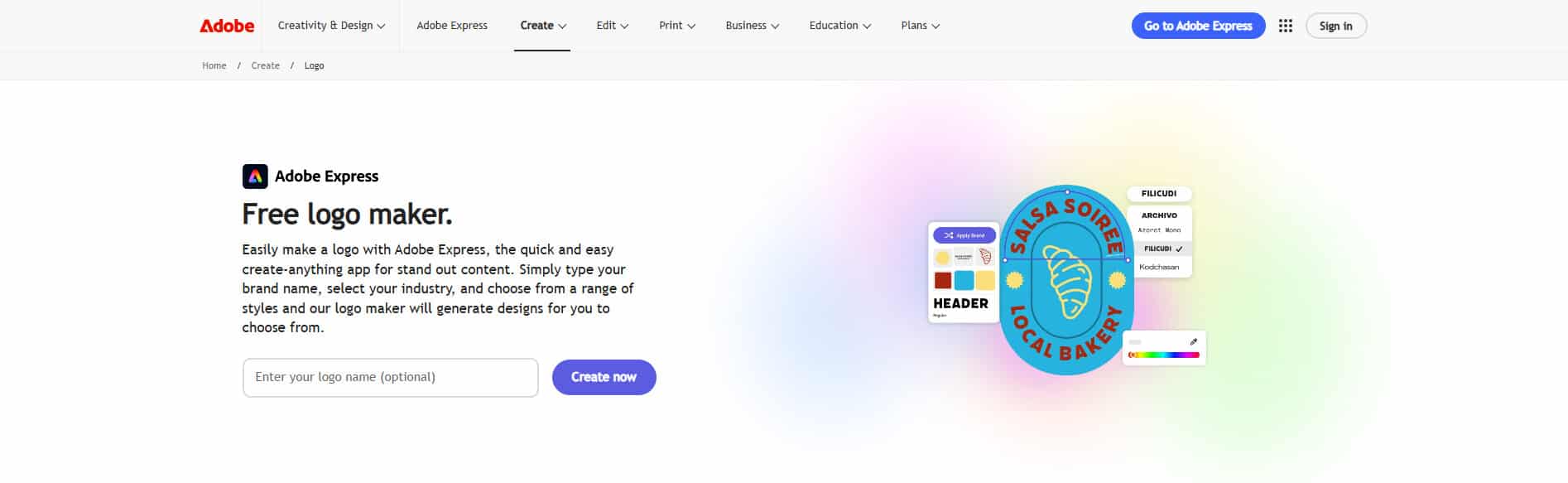
Adobe Express is another broad creative platform rather than a logo-only service. It combines templates, fonts, stock assets, AI-powered features, and editing tools into a single workspace.
For a small business, this means the logo can become part of a wider marketing workflow rather than remaining a standalone file.
For our test, we entered Sparkling Clean Laundry and used the same laundry business prompt.
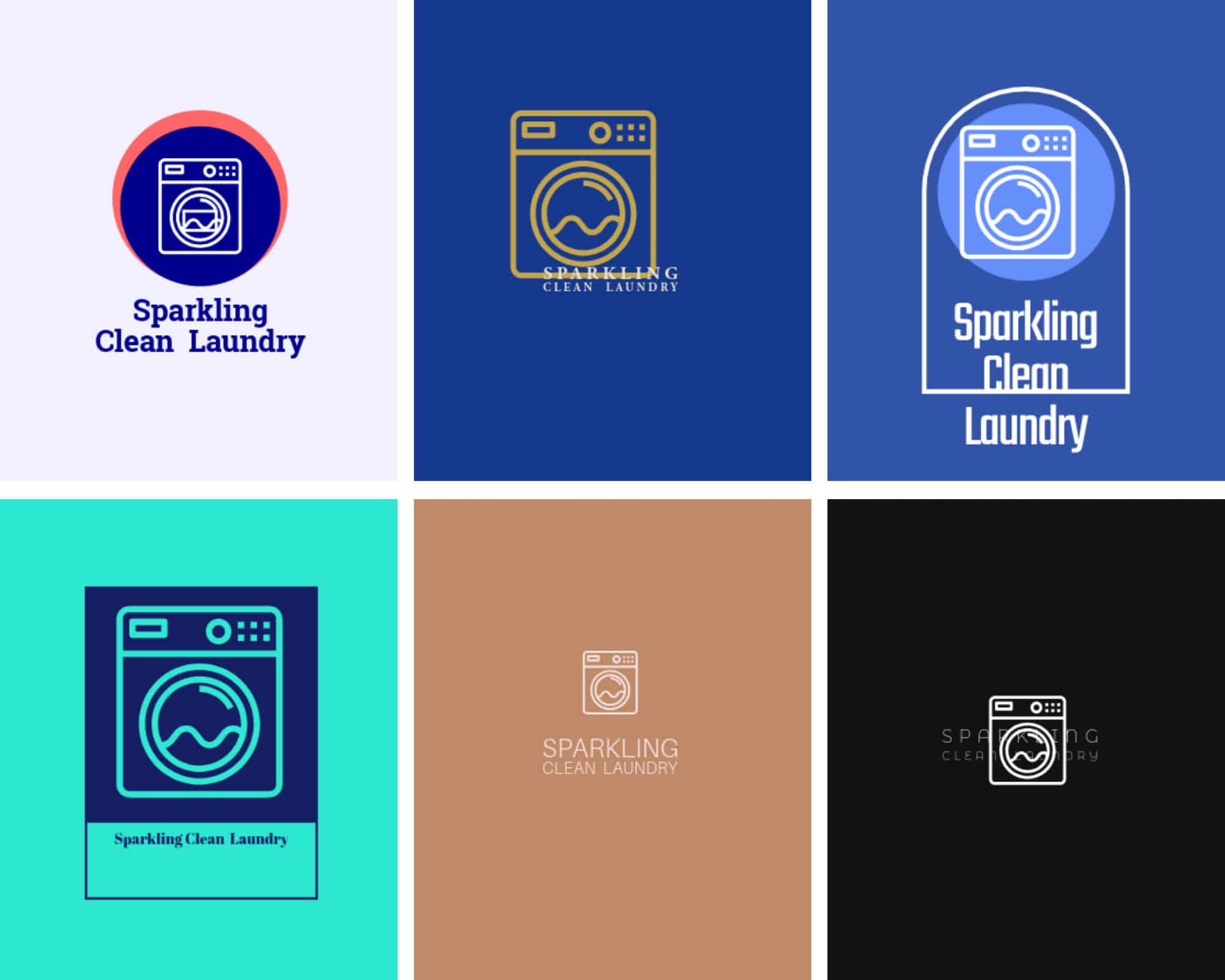
Adobe Express logo concepts for Sparkling Clean Laundry.
Key Features
Logo creation
Adobe Express offers users ways to create logos, along with its broader collection of design templates and editing tools.
The approach works well for small businesses that may need more than a logo. Once the basic identity is established, the same workspace can be used for other marketing content.
Templates and design assets
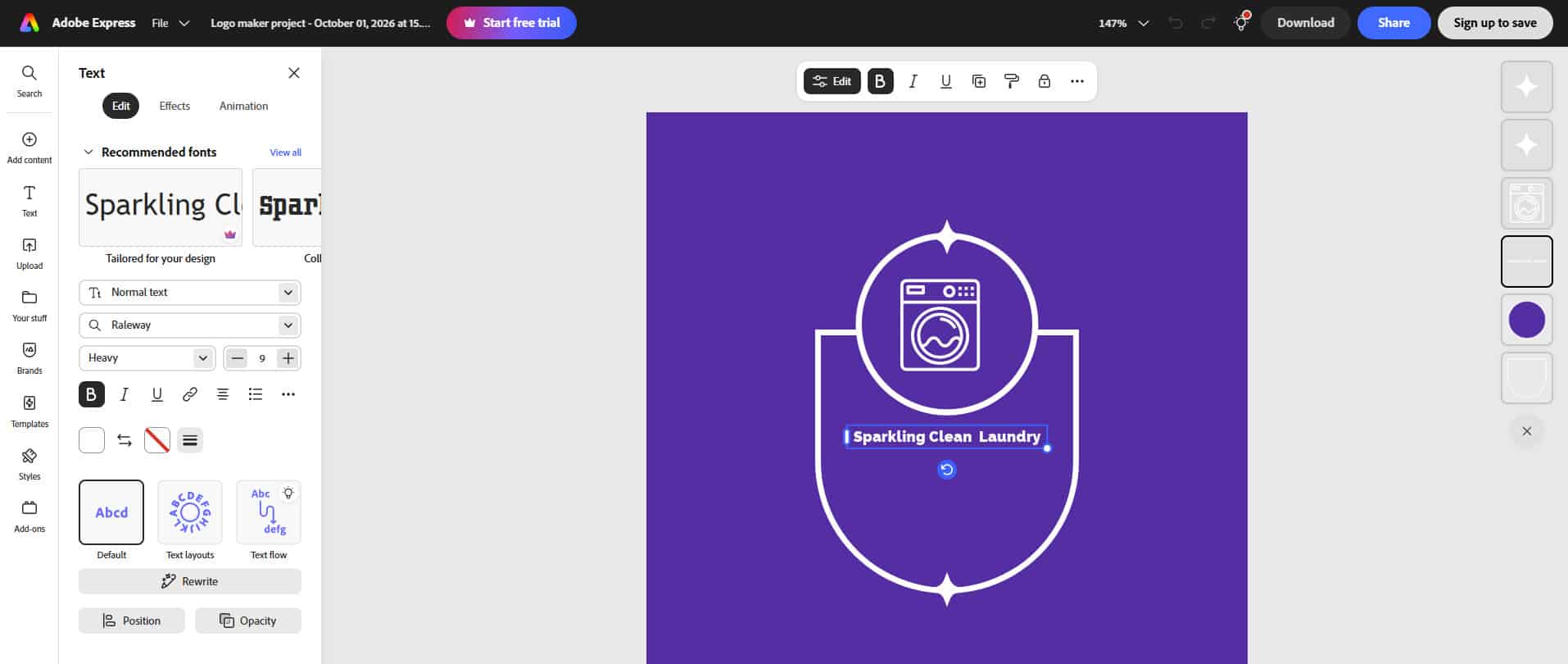
Adobe Express Customization Page
Adobe Express Free currently includes access to 100,000+ static and video templates, 4,000+ Adobe Fonts, and 1M+ royalty-free Adobe Stock photos, videos, music tracks, and design elements.
That gives a small business plenty of resources for creating promotional content around its new logo.
Brand Kits
Adobe Express Premium includes brand kits, allowing businesses to keep important visual assets together and use them across future designs.
For Sparkling Clean Laundry, that could mean keeping the logo, colors, and fonts available when creating flyers, social posts, or other customer-facing materials.
Pros
- Free plan available
- Large template library
- 4,000+ fonts on the Free plan
- 1M+ Adobe Stock assets on the Free plan
- Brand Kit features on Premium
- AI-powered creative tools
- Useful for broader marketing content
Cons
- Logo creation is part of a much broader platform
- Some advanced features require Premium
- The workflow can feel less logo-focused than dedicated logo makers
Pricing
Adobe Express currently offers:
- Free: $0
- Premium: US$9.99/month
The Premium plan adds access to premium templates and assets, 250 monthly generative credits, additional editing tools, Brand Kits, and other features. Adobe says the Premium plan is billed monthly with no annual commitment on its current U.S. pricing page.
Looka
Looka takes a more logo-focused approach than Canva or Adobe Express. Its logo maker is designed to create a logo and extend that identity across branded materials through its Brand Kit.
For a small business that wants help creating a consistent identity without designing every asset from scratch, this can be useful.
For our test, we entered Sparkling Clean Laundry and used the same laundry business brief.
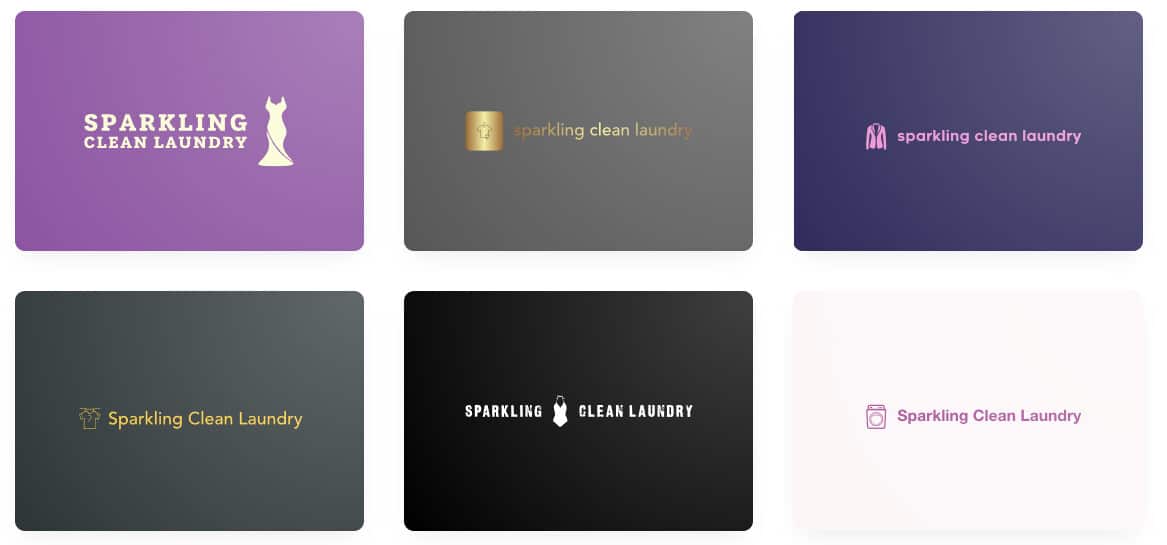
Looka’s logo results for Sparkling Clean Laundry.
Key Features
Guided logo creation
Looka’s logo maker uses your business name and industry, along with visual preferences such as styles, colors, and symbols, to generate concepts.
This gives small business owners more guidance during the initial creation process. Instead of working entirely from a blank prompt, you first define the visual ingredients.
Logo customization
Once you select a concept, Looka lets you adjust elements such as fonts, colors, layouts, and symbols.
The goal is to help you refine the generated logo until it better fits the business. Looka also allows post-purchase changes to purchased logos.
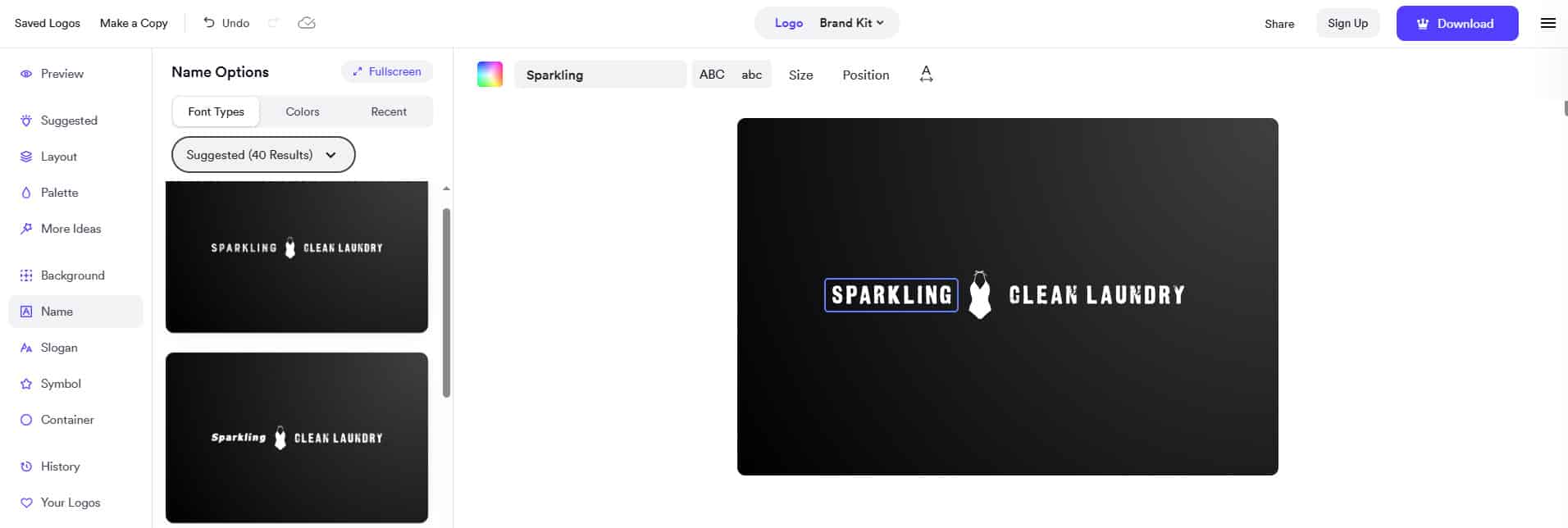
Looka’s customization page
Brand Kit
Looka’s Brand Kit is one of its main differences from a simple logo-only service.
The platform provides 300+ branded templates generated using your logo, colors, fonts, and industry-specific content. These include social posts, business cards, email signatures, letterheads, invoices, ads, flyers, presentations, and other materials.
For Sparkling Clean Laundry, that could make it easier to create a consistent set of customer-facing materials without designing every piece from scratch.
Professional logo files
Looka’s Premium Logo Package includes high-resolution PNG, EPS, SVG, and PDF files, along with color variations and transparent backgrounds.
That gives a small business the formats it may need for everything from social media to printed signage.
Pros
- Logo-focused creation process
- Guided visual preferences
- Logo customization
- 300+ branded Brand Kit assets
- High-resolution and vector logo files
- One-time logo packages available
- Website option available
Cons
- Logo downloads require a paid package
- Brand Kit features require a subscription
- The full Brand Kit may be more than a very small business needs
Pricing
Looka offers both logo-only packages and annual Brand Kit subscriptions.
The Basic Logo Package provides one PNG file, while the Premium Logo Package includes high-resolution PNG, EPS, SVG, and PDF files, color variations, unlimited post-purchase changes, and full ownership.
For businesses that want the broader Brand Kit, Looka currently lists:
- Brand Kit: $96/year
- Brand Kit Web: $129/year
The Brand Kit includes 300+ branded assets, while Brand Kit Web adds website functionality.
What Should a Small Business Look For in a Logo Maker?
A small business usually has different priorities from a large company with a dedicated design team. You need something practical, easy to manage, and flexible enough to support the business as it grows.
Easy logo creation
You shouldn’t need professional design experience to get started. A good logo maker should give you useful starting points from a business name, industry, keywords, or a simple prompt.
Enough customization
The first logo is rarely perfect. Look for controls that let you change fonts, colors, icons, spacing, and layout so the final design actually reflects your business.
Professional file formats
Check which file formats are included before paying. PNG and JPG are useful for many digital applications, while SVG and EPS can be important for scalable logos used in signage, uniforms, packaging, or printed materials.
Brand consistency
A small business may need a logo, social posts, flyers, business cards, invoices, and a website. Tools that carry the same colors, fonts, and logo into these materials can reduce the amount of work you have to repeat.
Real-world applications
Think about where customers will actually see the logo.
For Sparkling Clean Laundry, that could include the storefront, laundry bags, staff uniforms, social profiles, flyers, receipts, business cards, and website. The logo should remain recognizable across all of them.
Total cost
The free plan isn’t always the whole story. Check what you actually receive for free, and whether the plan you need includes the file formats, downloads, editing rights, and brand tools your business requires.
Which Logo Maker Should You Choose?
Each platform can work for a small business, but they suit different workflows.
- Choose Design.com if you want a logo-first platform that can grow into broader business branding. Its AI logo generation, 500,000+ logo designs, AI-assisted editing, professional file formats, mockups, and 50+ additional design tools keep the process centered on the needs of a business building its brand.
- Choose Canva if you want a broad visual design platform. Its logo maker sits alongside templates, graphics, Brand Kit features, social media tools, presentations, websites, and other content creation tools.
- Choose Adobe Express if you want a broader creative workspace backed by Adobe’s ecosystem. Its templates, Adobe Fonts, Stock assets, Brand Kits, and AI-powered tools can help a small business create more than just its logo.
- Choose Looka if you want your logo and brand identity developed together. Its Brand Kit provides 300+ branded templates built around your logo, colors, fonts, and business information.
For a small business looking to expand from logo creation to a broader range of branded materials, Design.com offers a streamlined workflow through its logo maker and 50+ additional design tools.
Conclusion
A small business logo needs to do more than look good on a screen.
It may appear on a storefront, uniform, social profile, business card, flyer, packaging, website, or promotional material. That means the logo maker you choose should give you enough control to refine the design and enough flexibility to use it across the business.
For a business like Sparkling Clean Laundry, the most useful platform will depend on whether the priority is a dedicated logo workflow, broad content creation, or a ready-made brand identity system.
If you’re ready to create a logo and start building your small business brand around it, start designing with Design.com today!