

A logo is usually the first thing a customer sees before they’ve read a single word about the business. Get it wrong, and even a great product looks unfinished. Get it right, and it does the quiet work of making a brand look established, whether it’s been around for ten years or ten days.
AI logo makers have made this part of branding far less painful. Instead of hiring a designer or wrestling with software you’ve never opened before, you describe the business and get a set of real options back in minutes. Not every tool does this equally well, though, and the difference shows up quickly once you need that logo to work across a website, a business card, and a social page.
We compared six of the most talked-about logo makers in 2026 against the same criteria: generation quality, how usable the free output actually is, brand consistency across other assets, and pricing.
How We Picked These Logo Makers
Every tool on this list had to clear the same bar:
- Getting started. How quickly can someone begin designing, and is there a free option or straightforward pricing available from the start?
- Logo results. How much variety does the tool provide, and are the generated designs practical enough for real-world business use?
- Brand consistency. How easily can the chosen logo and visual style be reused across business cards, social graphics, and other materials?
- Download formats. What file types are available, and do they cover the needs of both online content and printed materials?
- Cost and features. What can users create without paying, and how much additional functionality becomes available with a subscription?
Quick Comparison Guide
| Tool | Starting Price | Generation Quality | Brand Carryover | Best For |
|---|---|---|---|---|
| Design.com | Free, then $3/mo billed annually | Strong, distinct concepts per prompt | Yes, applies across all assets | Businesses that want a logo and a full brand kit in one place |
| BrandCrowd | Free, then $3/mo billed annually | Strong, large designer-made library | Yes, applies across all assets | Businesses that want to browse before committing to a design |
| Canva | Free, then  12/mo annually) 12/mo annually) | Decent, template-driven | Yes, shared brand kit | Teams already using Canva for other assets |
| Adobe Express | Free, then $9.99/mo | Decent, Firefly-assisted | Yes, on paid plans | Adobe Creative Cloud users |
| Wix | Free trial, then paid per logo | Okay, limited concept variety | No dedicated brand kit | Businesses already building a site on Wix |
| Looka | Free to browse, paid to download | Okay, style-based generation | Limited, logo-focused only | A quick, one-off logo with no other assets needed |
The 6 Best Logo Makers Reviewed in Detail
1. Design.com: Best Logo Maker for Brand Consistency
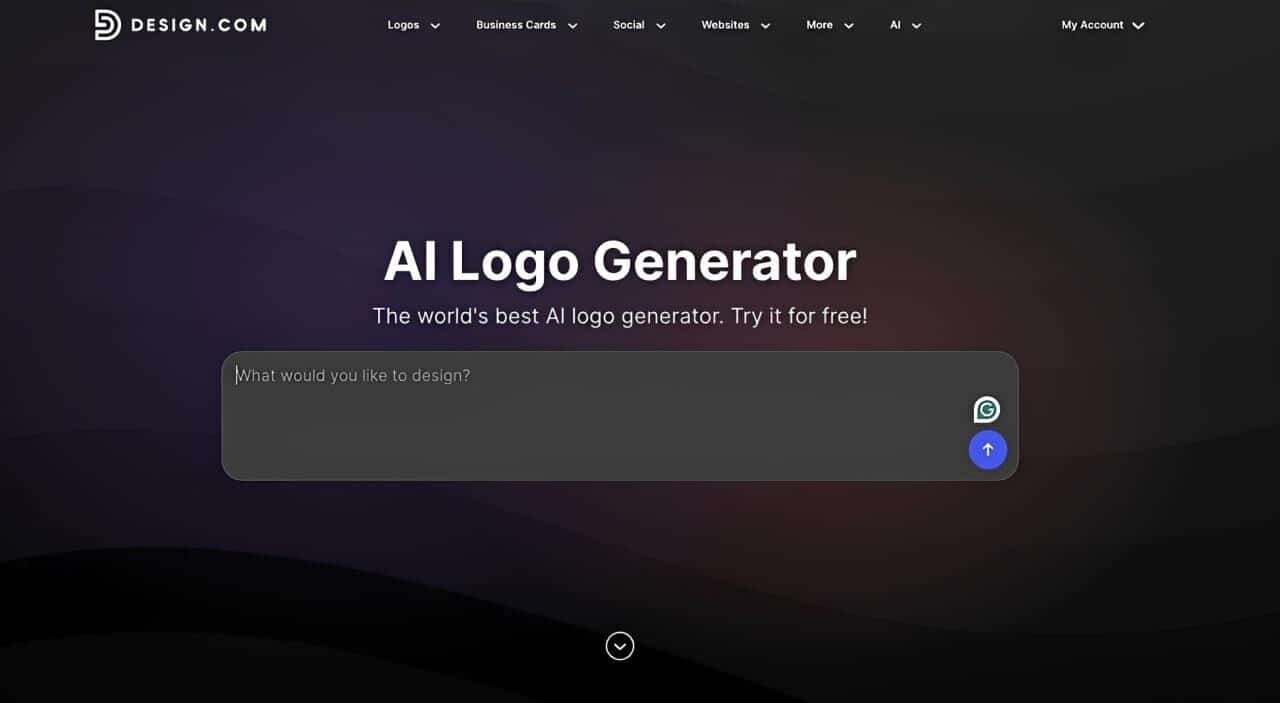
Design.com’s AI logo generator starts with a business name and a few keywords about style and industry, then generates a set of complete logo concepts rather than simple color variations of the same design. Its browser-based editor lets you adjust fonts, icons, layouts, and colors without needing separate design software.
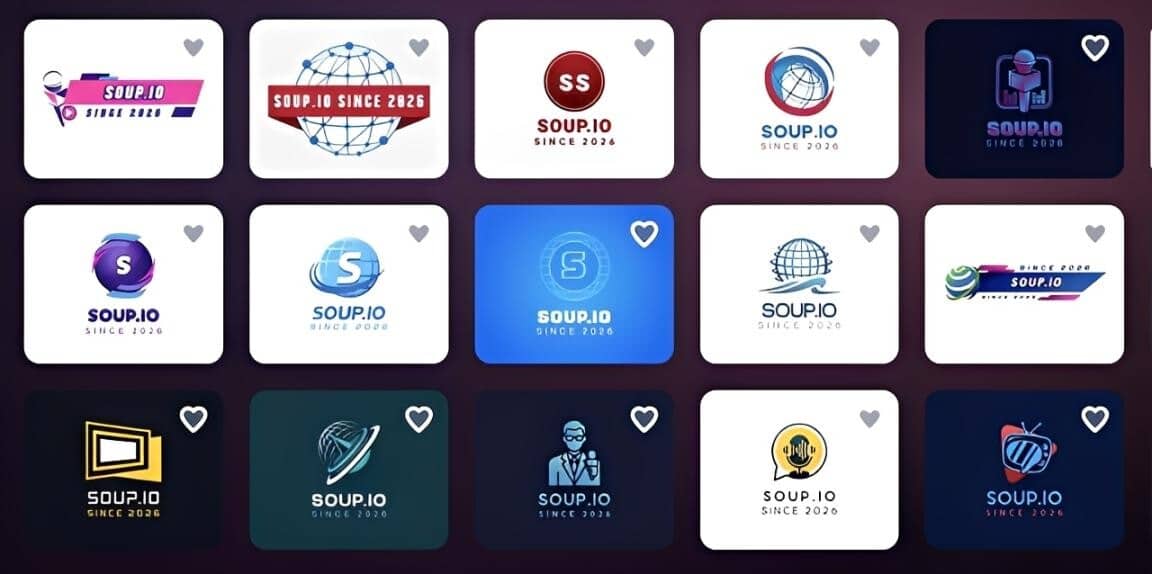
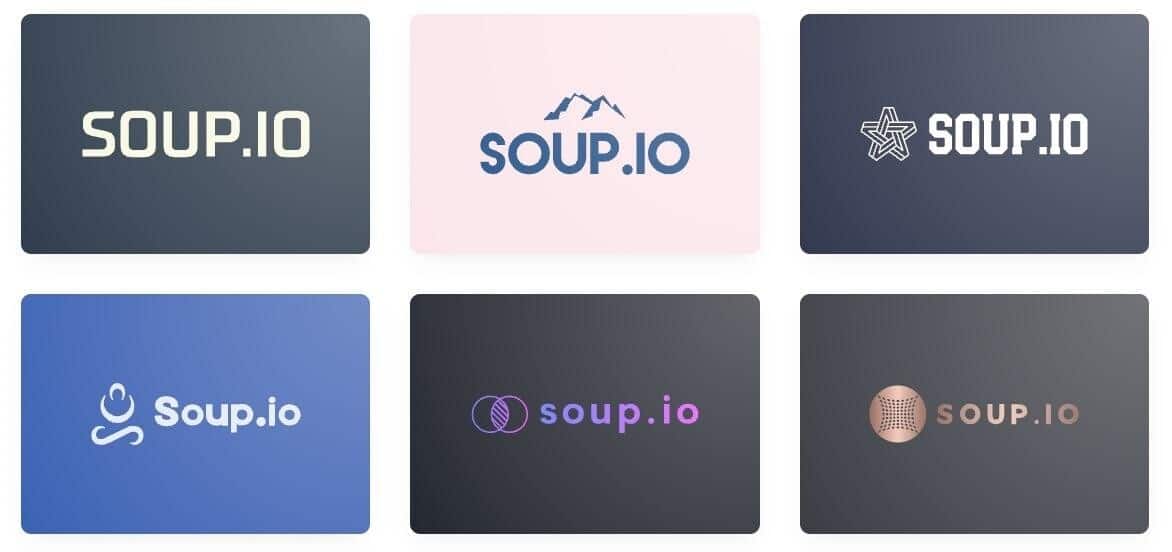
Here’s a quick look at Design.com’s output. The results show plenty of variety, with distinct concepts rather than the same design repeated in different colors.
Key Features
- 500,000+ logo templates and more than 1 million designs across the platform
- Generates distinct logo concepts based on a business name and a few keywords
- AI chat editor lets you refine logo icons and text by describing the changes you want
- Carries the logo, colors, and fonts across business cards, social posts, websites, and other designs
- 50+ design and branding tools for building out the rest of a business identity
- Unlimited regeneration makes it easy to explore more logo directions
- Exports in high-resolution and vector formats for both web and print.
Pricing
The free plan includes the full logo maker, so you can generate, edit, and download a usable logo without paying anything. Paid plans scale up based on how much of the wider design toolkit you want:
- Starter: $3/month billed annually (normally $9/month), unlocks business cards, social posts, email signatures, letterheads, and 500,000+ templates
- Value: $4/month billed annually (normally $14/month), adds a website builder
- Premium: $5/month billed annually (normally $19/month), adds link-in-bio pages and a digital business card
Bottom Line
Design.com takes the top spot because it goes beyond creating a standalone logo. The logo becomes the starting point for building a complete brand, carrying the same visual identity across business cards, websites, social designs, and other materials without having to rebuild everything from scratch.
2. BrandCrowd: Best Logo Maker for Designer-Made Options
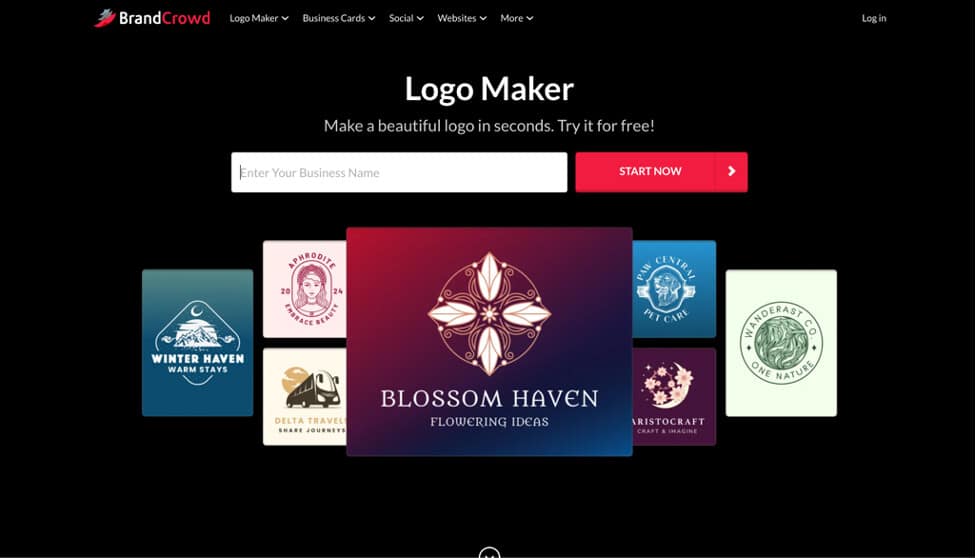
BrandCrowd pairs a keyword-based generator with one of the largest logo libraries available, all built by professional designers rather than assembled from generic shapes. Type in a business name and industry, and its AI logo maker surfaces a set of matching concepts to browse, refine, and customize in a drag-and-drop editor.
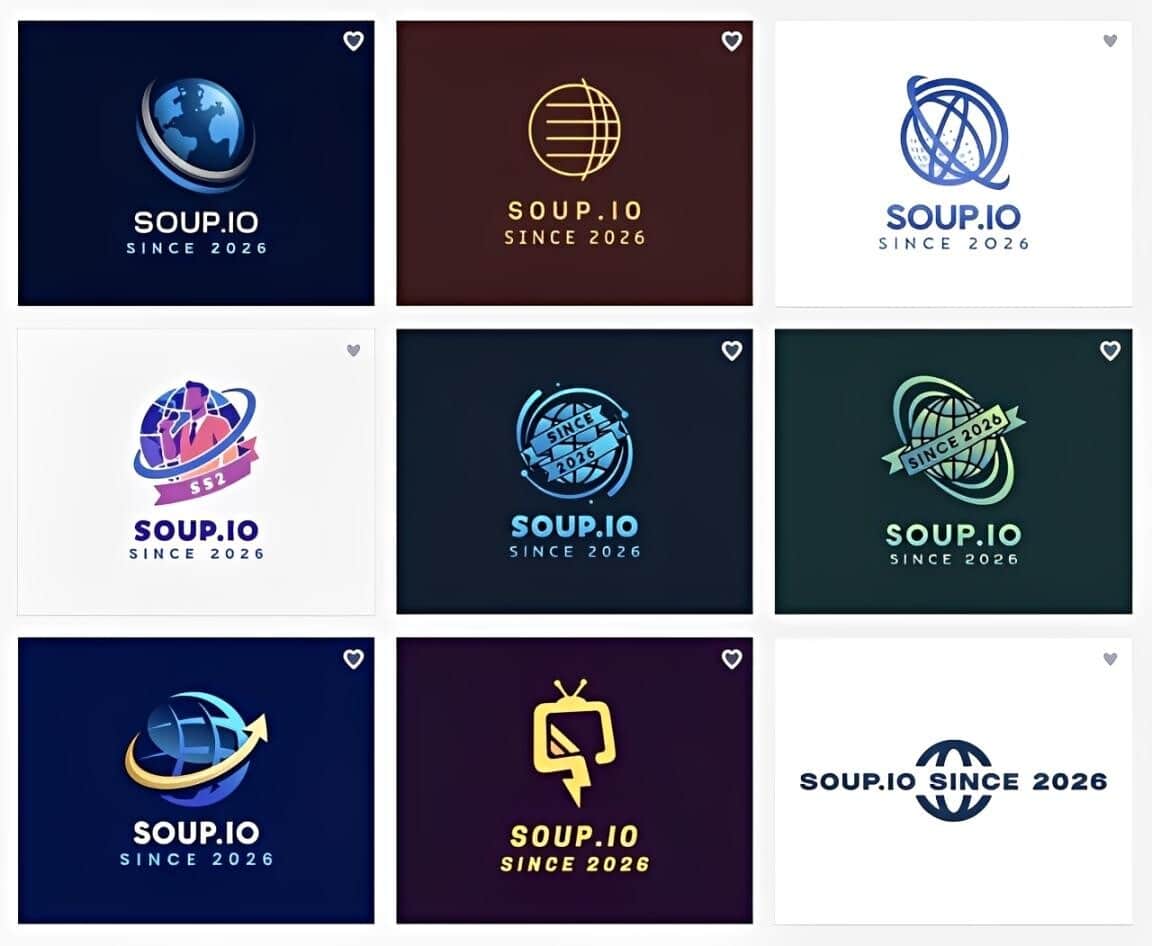
Browsing BrandCrowd’s library makes the designer-made quality obvious fast, polish that holds up across wildly different industries and styles.
Key Features
- Keyword-based generator pulls from a large library of professionally designed logos
- 380,000+ logo templates and more than 1 million design templates across the platform
- Intuitive editor makes it easy to adjust fonts, colors, icons, and layouts
- 750+ fonts, including 525+ exclusive options, for more control over typography
- 62,000+ custom vector shapes for refining icons and other design elements
- Applies the logo across business cards, presentations, social posts, and other matching designs.
Pricing
The free plan includes the full logo maker, letting you generate, edit, and download at no cost. Paid tiers add more of BrandCrowd’s broader toolkit:
- Starter: $3/month billed annually (normally $9/month), covers business cards, social posts, email signatures, letterheads, and 50+ design tools
- Value: $4/month billed annually (normally $14/month), adds a website builder
- Premium: $5/month billed annually (normally $19/month), adds link-in-bio pages and a digital business card
Bottom Line
BrandCrowd earns the second spot for the sheer depth and polish of its library, which makes it the strongest pick for anyone who wants to browse a wide set of professional concepts rather than describe one from scratch. It’s a close second to Design.com mainly because its generator leans more on smart search across existing designs than fully original AI concepts.
3. Canva: Okay for Teams Already Inside Canva
Canva’s logo maker sits inside its much larger design platform, so a generated logo drops straight into templates you’re already using for other assets. The generation itself is serviceable but template-driven, and it’s one feature inside a much bigger tool rather than the main focus.
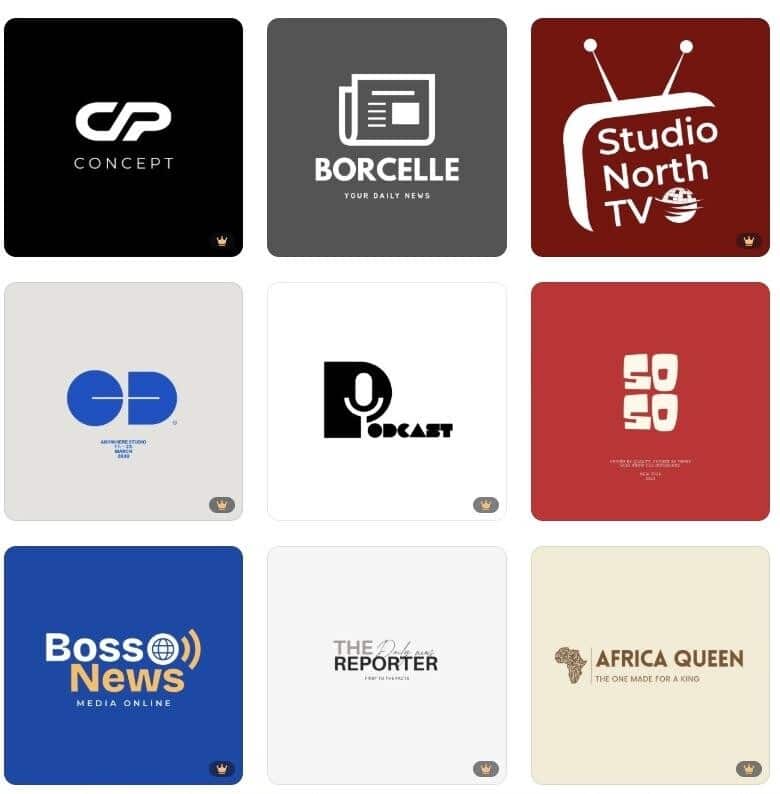
Sampling a few Canva-generated logos reveals the pattern quickly: the results are decent starting points, but they lean more toward templates than distinct concepts. Once your free AI credits run out, changes such as updating the business name need to be made manually in the editor.
Key Features
- Logo generation shares an editor with presentations, social posts, documents, and other designs
- A shared Brand Kit keeps colors, fonts, and logos consistent across different projects
- Large free tier with enough tools and templates to create usable logo designs
- Drag-and-drop editor makes changing icons, text, colors, and layouts straightforward
- Magic Studio adds AI tools for generating and editing creative content.
Pricing
Free with a limited AI credit pool. Pro runs $18/month, or roughly $12/month billed annually.
Bottom Line
A fine choice if branding already happens inside Canva, but the logo maker itself isn’t distinctive enough to be a reason to switch tools on its own.
4. Adobe Express: Okay for Existing Adobe Users
Adobe Express uses Firefly to generate logo concepts from a prompt, with access to Adobe’s massive stock and font libraries on paid plans. It’s a reasonable option mainly because of how deeply it connects to the rest of Adobe’s ecosystem.
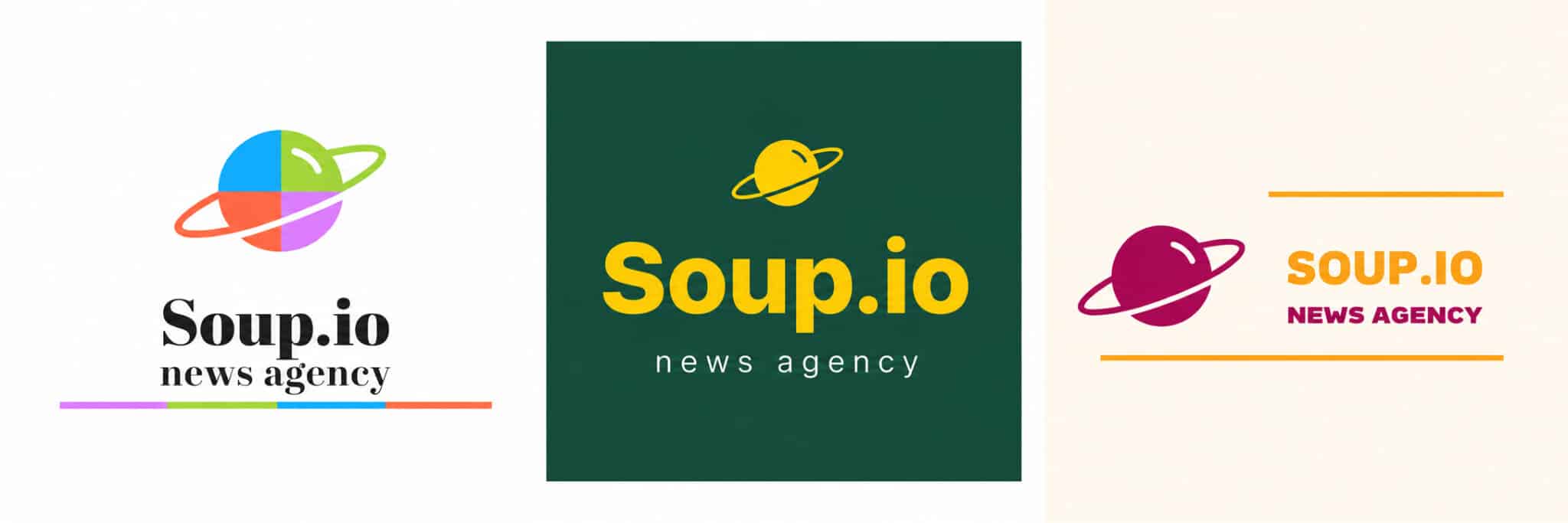
Testing a few prompts through Adobe Express produced decent results, especially when paired with Adobe’s stock and font libraries for finishing touches. However, many of the concepts looked similar, with changes mostly coming from the colors, fonts, and layout rather than completely different logo directions.
Key Features
- Firefly-assisted logo generation from text prompts
- Browser-based editor for adjusting text, colors, icons, and layouts
- Access to Adobe Stock content and a large font library, depending on the plan
- Templates provide starting points for different logo styles and industries
- Brand Kits can store logos, colors, and fonts for reuse across designs.
Pricing
Free with over 100,000 templates. Premium runs $9.99/month.
Bottom Line
Worth using if already inside Creative Cloud. Outside that ecosystem, it doesn’t offer enough over the top two picks to justify starting there.
5. Wix: Okay for Businesses Already Building a Site There
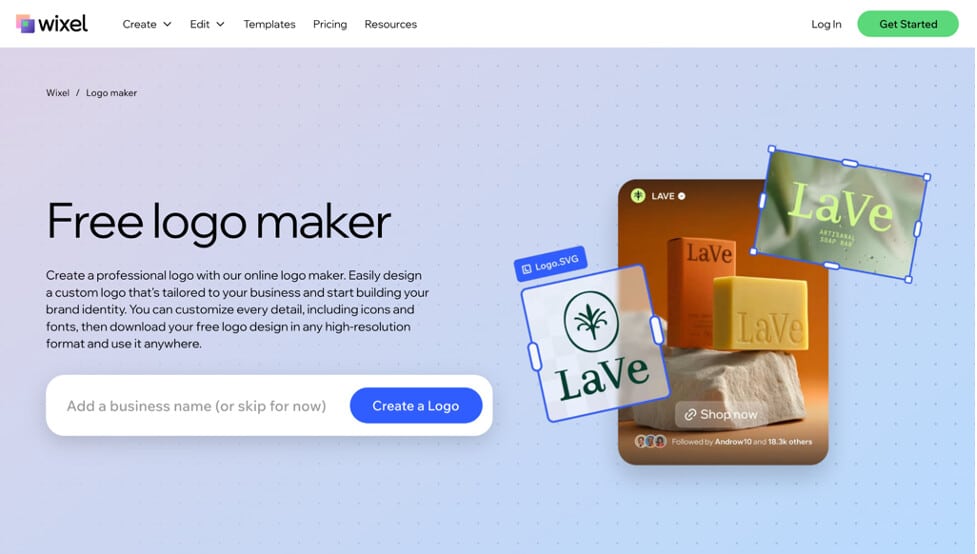
Wix’s logo maker is built to feed directly into a Wix website, asking a short set of style questions before generating options. It’s convenient if a site is already being built on the platform, but the logo itself has less concept variety than dedicated logo tools.
Running a few businesses through Wix’s generator turns up usable results, workable if a site is already being built there, though thinner on variety than dedicated logo tools.
Key Features
- Short style questionnaire guides the initial logo generation
- Business name and industry information help narrow the suggested designs
- Multiple logo concepts are generated for side-by-side browsing
- Editor allows changes to fonts, colors, icons, shapes, and layout
- Brand colors and logo elements can be reused across other Wix materials.
Pricing
Free to create and preview logo concepts; high-resolution downloads require a paid Logo Maker plan. Basic, Advanced, and Brand Plus logo packages are sold as one-time purchases, with pricing shown at checkout.
Bottom Line
Reasonable as a bundled extra for a Wix website, but not a strong standalone pick, since the branding doesn’t carry over anywhere outside Wix itself.
6. Looka: Okay for a Quick, One-Off Logo

Looka generates logo concepts based on the styles, colors, and symbols selected during setup. The process is largely preference-driven, with users choosing visual directions before browsing the generated options.
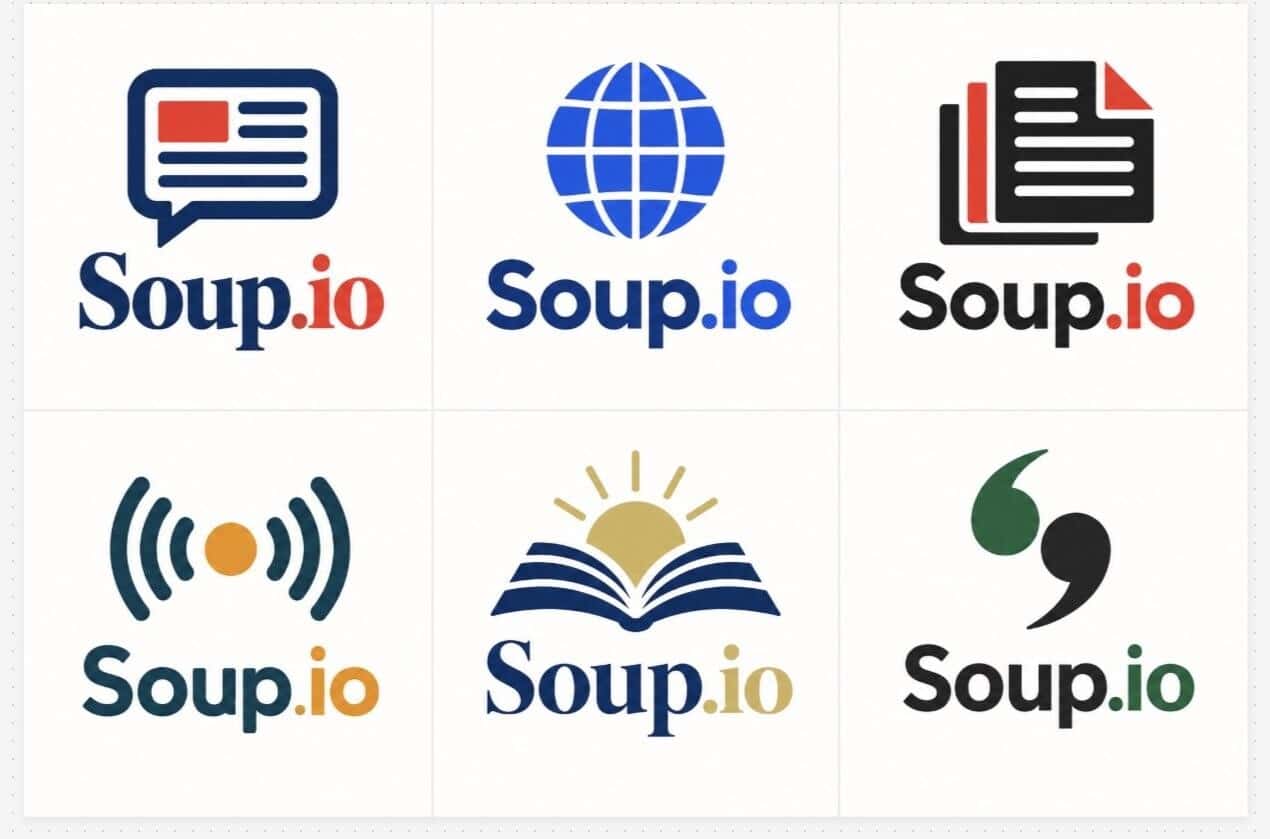
A few sample concepts from Looka show how the tool interprets the selected preferences across different logo layouts and symbols.
Key Features
- Style-based generation from selected preferences
- Multiple logo concepts generated from the initial selections
- Editor for changing colors, symbols, sizing, and layout
- PNG files available with the basic logo package
- SVG, EPS, PDF, and other high-resolution files available with the premium package
- 300+ templates available through the separate Brand Kit subscription
Pricing
Free to create, edit, and preview logos. The Basic Logo Package costs $20 one-time, while the Premium Logo Package costs $65 one-time.
Bottom Line
Looka is primarily centered on logo creation, with additional materials available through its separate Brand Kit subscription. The logo-only packages are one-time purchases, while accessing the broader set of branded templates requires an annual plan.
Which Logo Maker Should You Choose?
A strong logo is only the beginning of building a recognizable brand. Design.com and BrandCrowd both make it easier to carry that identity beyond the logo, helping the business maintain a consistent look wherever customers encounter it.
Design.com supports building that identity from the start and keeping it connected as the business grows. BrandCrowd takes a similar approach, helping turn an initial logo direction into a broader visual identity.
Whichever you choose, the logo becomes a foundation for a brand that stays recognizable and consistent across everything the business creates.