

I have been caught off guard by a plagiarism flag before. You write something completely from scratch, run it through a checker out of habit, and suddenly 34% of it is highlighted red. Half of it is your own citations. The other half is a sentence structure that apparently exists somewhere on the internet. It is frustrating, and it makes you realise pretty quickly that not all checkers are worth trusting.
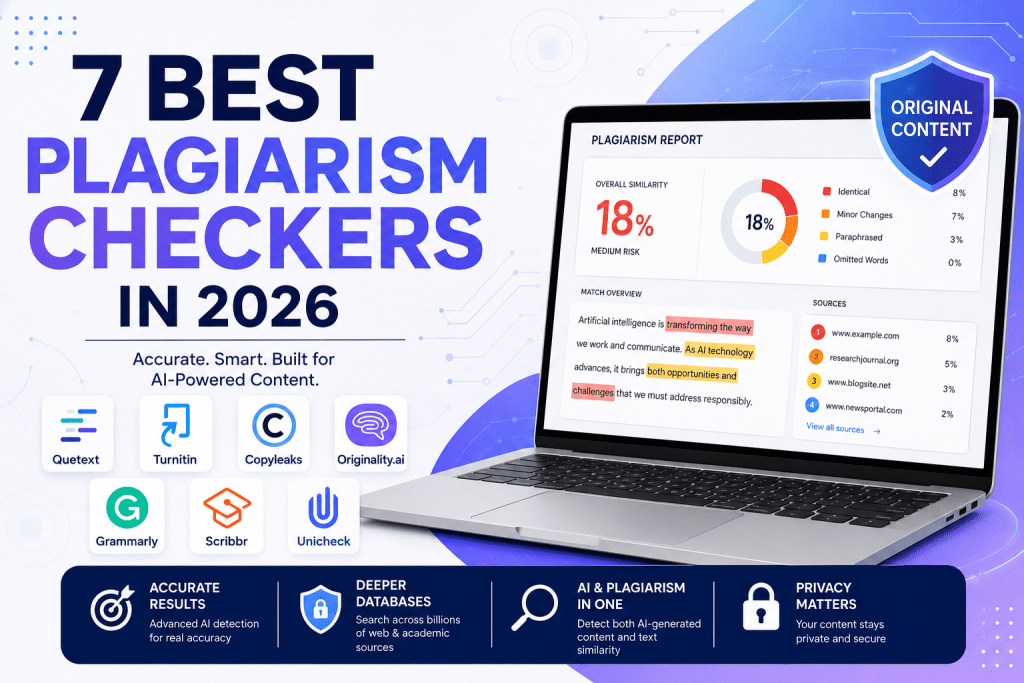
The plagiarism tools have genuinely changed this issue in 2026, though. AI writing has made originality harder to verify, databases have gotten bigger, and some checkers are finally doing both jobs at once. In today’s article, we are going to explore the 7 best plagiarism detection tools in 2026, their key strengths, and how to choose the right one. Let’s get started!
What Makes a Good Plagiarism Checker Tool
Most plagiarism checking tools will tell you a percentage but the good ones tell you why. That difference matters more than any other feature on the spec sheet.
- It should tell you where, not just how much. A similarity percentage without source links or highlighted sentences is almost useless. You need to see the exact passage and the original it matches.
- Paraphrase detection matters more than a direct match. Most plagiarism today is not copy-paste. A strong checker catches restructured sentences and synonym swaps, not just identical text.
- AI detection is no longer optional. In 2026, plagiarism and AI-generated content are two sides of the same originality problem. A checker that handles one but not the other is leaving a gap.
- Database scope changes everything. Web-only tools miss academic papers. Academic tools miss newer web content. Know what your checker actually scans against.
- Privacy is worth asking about. Some tools store your uploaded text indefinitely or use it for model training. If the content is sensitive, that matters.
The 7 Plagiarism Checkers Worth Your Time
We looked at detection accuracy, database depth, pricing, privacy, and how each tool handles the realities of modern writing workflows. These are the ones that earned their place.
1. Quetext
Quetext plagiarism checker uses DeepSearch technology that reads text contextually, which means it catches ideas that have been paraphrased, restructured, or only lightly reworded. Results come back color-coded and highlighted inline, so you see the problem sentence next to its source rather than hunting through a confusing list. There is no sign-up required to run a free check; the interface takes about thirty seconds to figure out, and the platform doubles as a citation generator, AI detector, and grammar checker all at once.
Key Strengths
- Free scans with no account needed with free scans per month on the free plan
- DeepSearch technology catches paraphrased and restructured content, not just direct matches
- Inline color-coded highlights show exactly which sentences are flagged and link to original sources
- Built-in citation generator produces APA, MLA, and Chicago references for flagged matches
- AI detection included in the same dashboard, covering GPT-5, Claude, Gemini, and Llama
- Scanned text is never stored, saved, or used for model training
- Pro plan at $8.25 per month for 100,000 words, significantly cheaper than most comparable tools
- Results delivered in under 10 seconds across 14 supported languages
Cons
- The free plan is limited; it may not be enough for heavy users
- The academic journal database is growing
2. Turnitin
Turnitin comes up in just about any discussion related to academic integrity. Whenever a student submits work, it is checked not only against the web but also against everything that every other school student has ever submitted through this platform. It has been further refined for AI writing detection through 2025 and the first part of 2026, scoring high on fully artificial text with a low false positive rate.
Key Strengths
- Large student submission database
- Native LMS integrations with Canvas, Blackboard, Moodle, and Google Classroom
- High detection accuracy on AI-generated content from GPT-4, Claude, and Gemini
- Color-coded similarity reports with source-level breakdowns for educators
- Institutional license covers unlimited students and staff under one contract
- Catches paraphrased content and sentence restructuring alongside direct matches
Where it Fails
- Not available for individual purchase, individuals must use third-party resellers or institutional access
- Institutional pricing is not publicly listed and varies significantly by size and contract
- Several universities have disabled the AI detection feature after high-profile false positive cases
- Flags common phrases and properly cited passages as matches, which can cause confusion
3. Copyleaks
Copyleaks earns its reputation in professional and multilingual environments where most tools start to fall short. For teams handling compliance requirements, its certifications mean it clears most enterprise security checklists without additional vetting.
Key Strengths
- Multi-language support – one of the strongest multilingual options
- Fully certified for enterprise and institutional data security
- API access enables bulk document processing and workflow integration
- Reports include contextual AI insights, such as how often a flagged phrase appears in AI training datasets
Where it Fails
- Only 5 free scans available, far too limited for regular use
- The starting price is steep for individuals or low-volume users
- Feature depth creates a learning curve that casual users often find frustrating
4. Originality.ai
Originality.ai is built for one specific type of user: the content professional who publishes regularly. It runs plagiarism and AI detection in a single scan, includes a writing replay feature so you can verify whether a piece was actually written progressively rather than pasted in, and even attempts to flag AI hallucinations in the text.
Key Strengths
- Simultaneous plagiarism and AI detection removes the need for separate tool runs
- Writing a reply feature helps verify genuine authorship rather than just checking content
- Fact-checking layer attempts to flag AI hallucinations embedded in submitted text
- Chrome extension enables scanning directly inside Google Docs
- Team dashboards and shared scan histories suit multi-writer agency workflows
Where it Fails
- Aggressive detection settings produce more false positives on formal or polished human writing
- Usage-based pricing can become expensive for teams with high monthly scan volumes
5. Scribbr
Scribbr fills a gap that many students hit at some point: needing Turnitin-quality results without being enrolled somewhere that provides access. It runs on licensed Turnitin technology, which gives it access to the same academic database.
Key Strengths
- Powered by Turnitin’s technology, giving individuals access to academic-grade detection
- Self-plagiarism check allows comparison against your own previously submitted documents
- Free AI detection tool available with unlimited scans up to 1,200 words each
- Detailed color-coded reports surface paraphrased matches, not only exact copies
- Proofreading and citation tools round out the academic writing support
Where it Fails
- Per-check pricing makes it expensive for anything beyond occasional use
- No subscription option exists, so costs are unpredictable if you check frequently
- AI detection on longer documents requires purchasing the paid plagiarism scan
6. Grammarly
Grammarly is primarily a writing assistant, and the plagiarism checker that comes with Premium and Business plans reflects that. It is not trying to be an academic integrity tool. What it is trying to do is make originality checking feel effortless for everyday writers, and it does that well.
Key Strengths
- Combines grammar, tone, clarity editing, and plagiarism checking in one continuous workflow
- Does not store submitted content in a public database, which protects against accidental self-plagiarism flags later
- Familiar interface with almost no learning curve for new users
- A business plan includes team document management alongside checking features
Where it Fails
- Free plan includes zero plagiarism checking functionality
- No access to student paper repositories or offline academic databases
- Plagiarism checking is a secondary feature rather than a core focus
7. GPTZero
GPTZero started as an AI detector and has since layered plagiarism checking on top. Independent tests put its false positive rate at the lower side, which matters a great deal when you are dealing with student grades.
Pros
- Native Google Classroom integration for educators already in that workflow
- Clear probability breakdown across human, mixed, and AI classifications
- Scan history is saved and accessible from the dashboard for ongoing comparison
- The five-layer detection model includes built-in resistance to paraphrasing bypass attempts
Cons
- Plagiarism detection is newer and less developed than its AI checking capability
- Tends toward mixed classifications rather than clear verdicts, which can feel ambiguous
- Sentence-level highlights require a paid subscription
- Lightly edited AI content often scores lower than it should
How to Use Plagiarism Checkers Without Getting It Wrong
A detection result is a starting point, not a conclusion. These tools are most useful when you treat them as one signal in a wider review process rather than the final word.
- Read the source, not just the score – Before acting on any flagged passage, open the matched source and compare both texts side by side. A high similarity to a source you cited correctly is not the same as plagiarism.
- Do not rely on a single scan for high-stakes decisions – When grades, publishing deals, or employment are on the line, run two different tools and compare what each one flags. Disagreement between tools is information, not a contradiction.
- Know your tool’s database before you trust its results. A web-only tool will miss academic sources. An academic tool may miss newer blog content. The results are only as meaningful as what was actually checked.
Conclusion
The best plagiarism checker for you depends on who you are professionally and what you are checking. For the widest range of users, including students, educators, and content professionals who want strong detection, AI checking, and citation support without paying for three separate tools, Quetext is the clearest recommendation in 2026. Start on the free plan, see what it surfaces, and check your content reliability.