

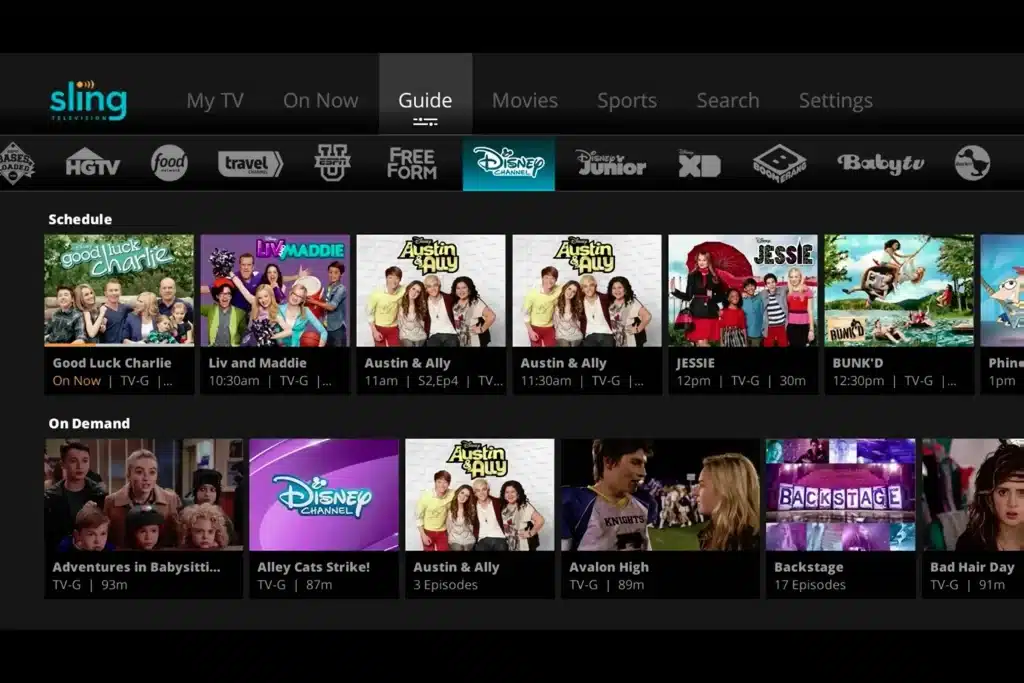
Think about your massive cable package for a moment. Research consistently shows that while you pay for hundreds of channels, you probably only watch about 15 of them. Sling TV is designed to fix this waste, but your first decision is the most important one you’ll make: choosing between Sling Orange vs. Sling Blue (Sling TV Lifestyle Extra Package).
The easiest way to understand the difference is by looking at your must-have channels. If you can’t miss college football on ESPN and your kids love the Disney Channel, then the best Sling TV plan for families and sports fans starts with Sling Orange. But if you’re more interested in news and entertainment from channels like FS1 and Bravo, then Sling Blue is your clear starting point.
One final, critical difference is how many people can watch at once. Orange allows just one stream, while Blue allows three. For households that want channels from both—and more flexibility—you can combine them into the Sling Orange & Blue package, ensuring everyone gets to watch what they love.
How Bundled Packages Help You Add Channels and Save Money
Once you’ve picked your starting plan, you might find you still want a few more channels. Sling TV makes this easy with Extras, which are small, themed packs you can add on, like a “Sports Extra” for more game coverage or a “Kids Extra” for family-friendly shows. Think of them as toppings for your TV package.
While you can add these individually, the cost can add up if you want several. This is where a bundled package becomes the smarter, more affordable choice. It’s like ordering a combo meal instead of buying everything separately. Your options are simple:
- Add one “Extra” for a few more channels.
- Add multiple “Extras” for customized variety.
- Get a BUNDLE to get them all at a discounted price.
Sling’s best-value option is the Total TV Deal. This bundle combines nearly all the Extras and includes an upgraded Cloud DVR—a digital recorder that saves your shows online. If you want a cable-like experience with lots of channels without the cable-like price, this is the most cost-effective way to get it.
Find Your Perfect Plan and Start Saving
Instead of paying for a bloated, one-size-fits-all cable package, you can build a custom Sling TV lineup that fits your budget and household. The process is simple now that you understand the building blocks: base plans (Orange and Blue), themed Extras, and cost-saving bundles.
Whether you need the best plan for the whole family or the most affordable way to watch a few favorite shows, the first step is the same. List your “must-have” channels. This action immediately clarifies which base plan is your ideal foundation. From there, you can add Extras as needed or choose the Total TV Deal for the most variety and value, giving you full control over your monthly bill.